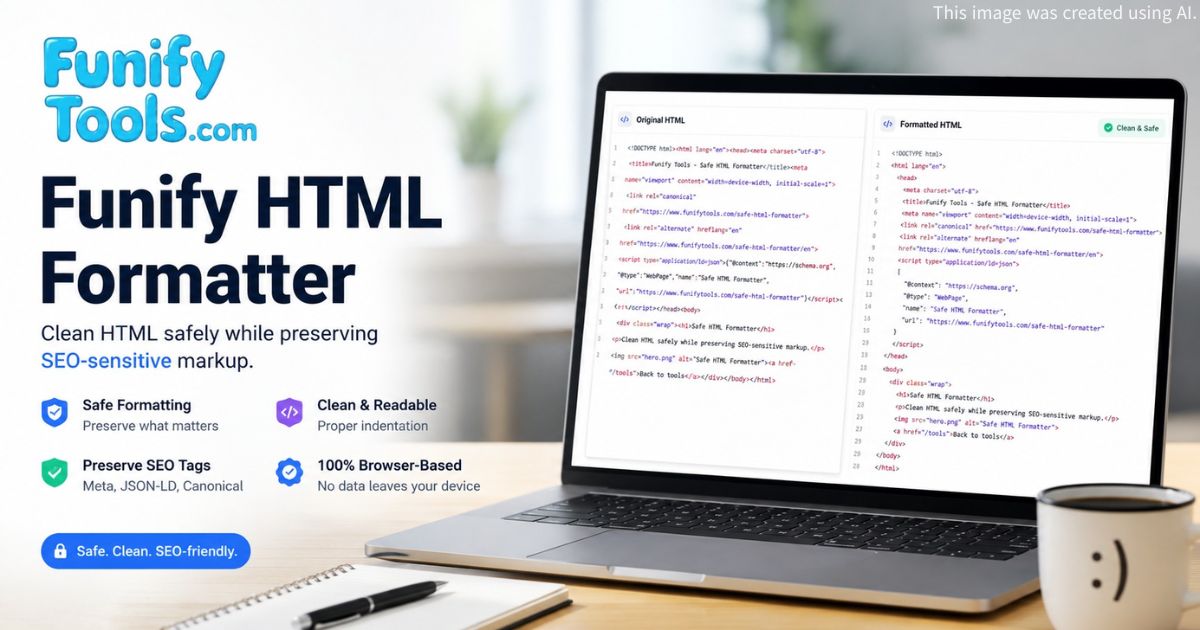
General-purpose HTML formatters can make code easier to read, but they may also split SEO tags, alter structured data, or reformat inline scripts. This formatter focuses on conservative cleanup for production pages, keeping the markup that search engines, social platforms, and validators depend on intact.
Why safe formatting matters
Production HTML often contains small pieces of markup that must remain valid exactly as deployed. Canonical URLs, alternate hreflang links, Open Graph tags, Twitter cards, analytics snippets, and structured data are easy to damage with aggressive formatting. A single line break inserted into a <meta> tag or a reformatted JSON-LD block can break social previews, confuse crawlers, or invalidate structured data tests.
The safest workflow is to format the surrounding HTML while preserving the sensitive blocks that search engines, social previews, analytics platforms, and validators rely on. This tool addresses that need by identifying critical markup regions and applying formatting rules selectively.
SEO tags
Meta and link tags are short but important. Keeping them on one line makes it easier to review canonical URLs, hreflang links, robots directives, Open Graph tags, and Twitter card metadata without accidental line-break noise. The table below summarizes the SEO tags that the formatter protects.
| Tag type | Example attribute | Purpose |
|---|---|---|
<meta>
|
name="description"
|
Page description for search result snippets |
<meta>
|
name="robots"
|
Indexing and crawling directives |
<link>
|
rel="canonical"
|
Canonical URL to consolidate duplicate content |
<link>
|
rel="alternate" hreflang
|
Language and regional targeting |
<meta>
|
property="og:title"
|
Open Graph title for social sharing |
<meta>
|
name="twitter:card"
|
Twitter card type for link previews |
JSON-LD structured data
JSON-LD blocks inside <script type="application/ld+json"> can be sensitive because they contain structured data syntax. Preserving them avoids unnecessary formatting changes before validation. The formatter recognizes these blocks by their type attribute and leaves their content untouched when the preservation option is active.
Common structured data types that benefit from safe formatting include Organization, WebSite, BreadcrumbList, WebApplication, Article, FAQPage, and Product schemas. Each of these may contain nested JSON arrays and objects that a general HTML formatter could inadvertently restructure.
Scripts and styles
Inline JavaScript and CSS can be formatted when needed, but conservative mode keeps them untouched by default. This reduces the risk of introducing syntax changes in analytics snippets, widgets, or inline styles. The following table shows how different embedded code types are handled.
| Block type | Conservative mode | Format scripts/styles enabled |
|---|---|---|
<script> (analytics)
|
Preserved as-is | Formatted with JS beautifier |
<script type="application/ld+json">
|
Preserved as-is | Preserved as-is (JSON-LD protection) |
<style>
|
Preserved as-is | Formatted with CSS beautifier |
<script> (inline widget)
|
Preserved as-is | Formatted with JS beautifier |
<noscript>
|
Preserved as-is | Preserved as-is |
Elements that remain untouched in conservative mode
When No aggressive rewrite mode is active, the formatter protects a specific set of HTML elements from restructuring. These elements are kept on single lines or preserved entirely to avoid introducing unintended changes.
| Element | Preservation behavior | Why it matters |
|---|---|---|
<meta>
|
Kept on one line | Prevents accidental line breaks in tag attributes |
<link>
|
Kept on one line | Preserves canonical and hreflang readability |
<title>
|
Content preserved | Avoids whitespace changes inside the page title |
<script>
|
Content preserved | Protects analytics and embedded code |
<style>
|
Content preserved | Keeps inline CSS rules unchanged |
<noscript>
|
Content preserved | Maintains fallback markup for no-JS environments |
<iframe>
|
Kept on one line | Preserves embed URLs and parameter attributes |
Best practices for safe HTML formatting
- Keep No aggressive rewrite mode enabled for deployment-ready files. This setting applies the most conservative formatting rules and protects the largest set of elements.
- Preserve JSON-LD unless you intentionally want to reformat structured data. Structured data validators expect exact JSON syntax, and reformatting can introduce subtle issues.
- Keep meta and link tags on one line when reviewing SEO pages. Single-line tags are faster to scan manually and reduce the chance of missing an attribute during review.
- Compare the output before deployment if the page includes analytics or custom scripts. Even with safe formatting, reviewing the diff between original and formatted output helps catch unexpected changes.
- Test social previews after formatting Open Graph and Twitter card tags. Use platform-specific debuggers to confirm that title, description, and image tags remain intact.
- Run structured data validation after formatting pages with JSON-LD or Microdata. The Google Rich Results Test or Schema.org validator can confirm that formatting did not alter the data.