Data Tools
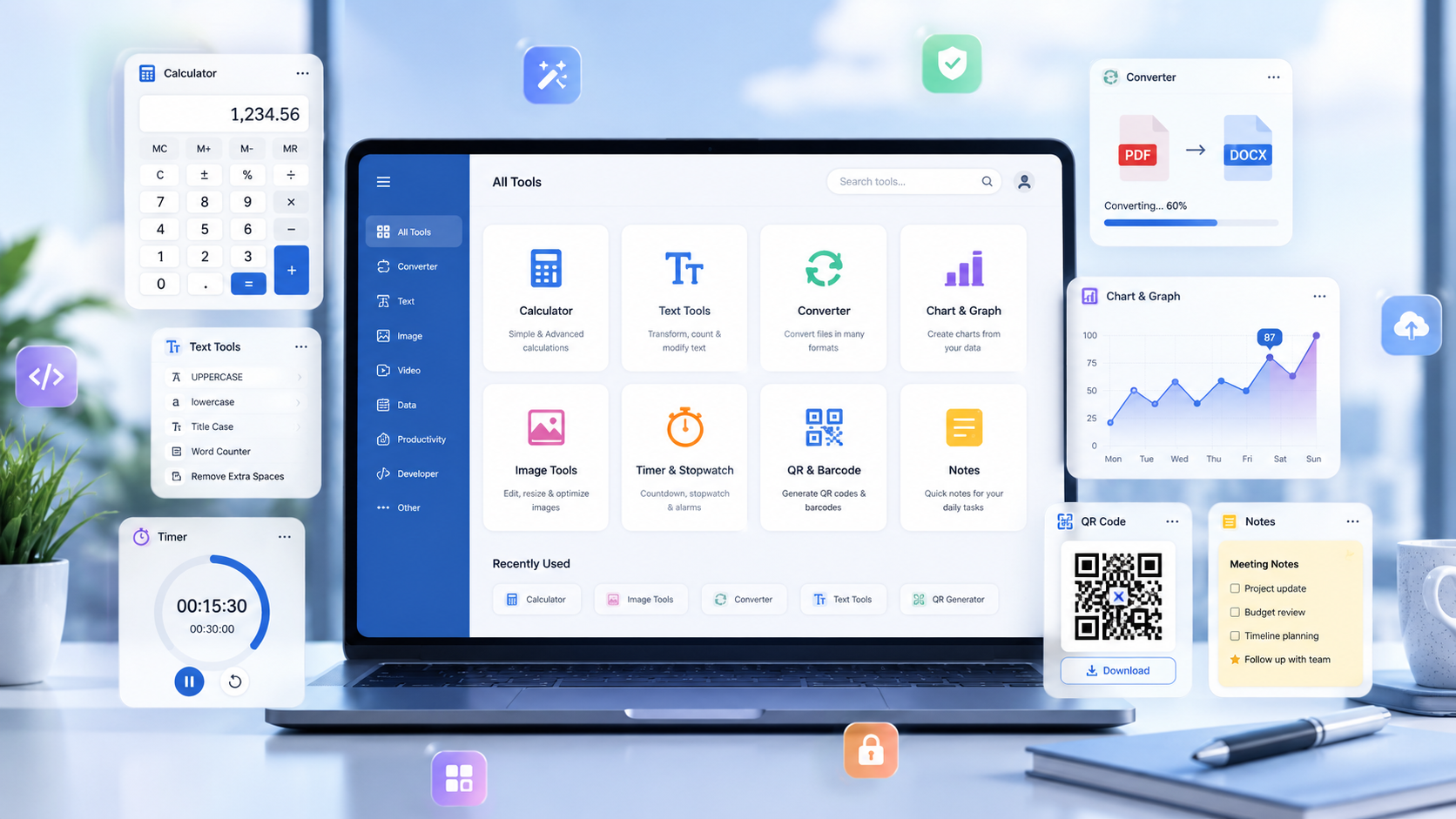
Data tools turn structured input into useful visual or scannable output. Use this family to create barcodes, QR codes, and charts directly in the browser for sharing, presentation, inventory, and quick analysis tasks.
Go to Data toolsBrowse practical data, image, lookup, text, time, and weather tools from one organized Funifytools hub.
Practical tools. Fast results.
Search by name or choose a category to reach the right browser based utility without digging through unrelated pages.
Loading the utility directory.
Overview
Generate QR codes, barcodes, charts, word art, and image effects or work with text using focused browser based tools.
Explore lookup references, countdowns, stopwatches, world time, and weather without installing additional software.
How To
Select Data, Image, Lookup, Text, or Time and Weather based on the task you want to complete.
The selected category appears below the tabs with every available utility and a short description.
Each card explains the utility's purpose so you can quickly choose the right page.
Click the card you need to open the full utility and start working immediately.
Guide
This section explains what each tool family is used for so visitors can understand the scope of the suite before opening individual tools.
Data tools turn structured input into useful visual or scannable output. Use this family to create barcodes, QR codes, and charts directly in the browser for sharing, presentation, inventory, and quick analysis tasks.
Go to Data toolsImage tools help create expressive graphics and apply visual effects without requiring desktop editing software. They are useful for quick creative experiments, social graphics, and browser based image adjustments.
Go to Image toolsLookup tools provide fast access to reference information such as ASCII codes, world capitals, countries, and biological classes or orders. Use them when you need a focused answer without searching through unrelated results.
Go to Lookup toolsText tools support comparison, formatting, analysis, and quick note taking. They are designed for writers, students, developers, and anyone who regularly works with text in the browser.
Go to Text toolsTime and Weather tools help track multiple stopwatches, calculate countdowns, and monitor local time and weather across world cities. They are useful for planning, routines, events, travel, and everyday coordination.
Go to Time and Weather toolsFinance tools turn scattered market quotes into a visual workspace. Build grouped watchlists, compare multiple asset classes, save favorite symbols, and adjust individual TradingView chart cards without installing a trading terminal.
Go to Finance toolsFAQ
This page is a utility directory. Each card opens the dedicated page where the complete tool is available.
Choose Data for generators, Image for visual editing, Lookup for reference information, Text for writing tasks, or Time and Weather for countdowns, timers, world time, and weather.
Yes. The active category is read from the URL, so refreshing the page keeps the bookmarked or shared tab active.
Yes. The directory and individual utility pages are designed to work across desktop and mobile screens.
Use the directory search to enter a tool name or related term, or select a category to narrow the list before opening the matching utility card.
No. The utilities open as dedicated browser pages, so you can use them without installing a separate desktop application.