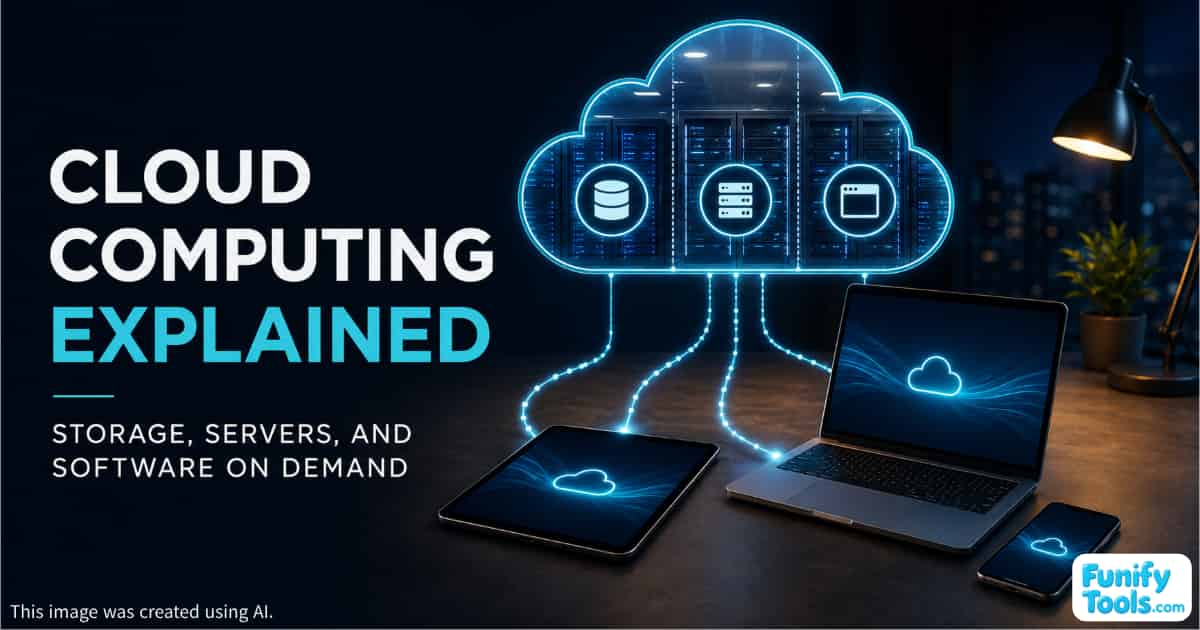
In this article, we are going to break down the basic concept of cloud computing.
The word cloud can make the technology sound complicated or futuristic, but the idea itself is actually quite simple.
In the past, a single computer at home or in the office had to handle almost everything. Your documents were stored on it, your photos were saved on it, and your programs ran directly on it.
As internet speeds increased and server technology improved, people began asking a simple question:
Do we really need to store and run everything on our own computers?
That question led to what we now call cloud computing.
Instead of relying entirely on your own PC for storage, processing, and software, you use large groups of computers located elsewhere and connected through the internet. Your device sends a request, those remote computers perform the work, and you receive the result on your screen.
The Cloud Is About Renting Resources When You Need Them
The easiest way to understand cloud computing is to think of it as borrowing resources instead of owning more equipment.
For example, when you upload photos to Google Photos or iCloud, you can store thousands of images without using the same amount of storage space on your phone. The actual files are stored on servers inside a data center, but you can view them on your screen as if they were still stored directly on your device.
The same principle applies to businesses.
In the past, a company that needed a server had to purchase the hardware, install it, supply power, provide cooling, maintain security, and repair it when something went wrong.
Today, the company can use a cloud platform such as Amazon Web Services or Microsoft Azure and request only the amount of server capacity it needs. It then pays according to how much it uses, much like paying an electricity bill.
Three Common Ways to Use the Cloud
The cloud can be divided into three broad categories.
1. Renting Storage
The first category involves storing files on remote servers.
Services such as Dropbox and Google Drive are familiar examples. Your files are stored in the provider's infrastructure, and you can access them from different devices through the internet.
2. Renting Computing Power
The second category involves borrowing computing capacity, which often means renting a server.
Many of the websites and online services we access through a browser run on virtual servers hosted in the cloud. These servers handle calculations, process requests, operate databases, and deliver content to users.
3. Using Complete Software Through the Internet
The third category involves using an entire software application without installing and maintaining it yourself.
Email platforms, collaboration tools, and online accounting applications are common examples. You open the service in a browser, sign in, and begin working. The provider operates the software, maintains the servers, installs updates, and manages much of the underlying infrastructure.
From the outside, all three may simply look like internet services. Behind the scenes, however, there is an important difference between outsourcing only storage, outsourcing both storage and computing, and outsourcing the entire application.
Why Cloud Computing Matters
The main advantages of cloud computing are flexibility and scalability.
A business can begin with a small amount of computing capacity when it has only a few users. If traffic suddenly increases, it can add more server resources without purchasing and installing new physical machines.
When activity decreases, it can reduce those resources again and avoid paying for capacity it no longer needs.
Buying another computer or server is a major commitment. In the cloud, resources can often be rented temporarily and released when they are no longer required. This makes it easier and less expensive to experiment with new ideas.
Individuals benefit from similar flexibility.
Even if your laptop is not especially powerful, cloud storage and synchronization can allow you to continue working across several devices. If your computer or phone suddenly fails, there is also a better chance that your files can be recovered because another copy is stored remotely.
The Cloud Also Comes With Important Questions
Cloud computing is convenient, but it is not free from concerns.
You may need to consider questions such as:
- Where is your data physically stored?
- Who is allowed to access it?
- How is it protected?
- What happens if the service becomes unavailable?
- Can you move your files to another provider?
- What happens if the company shuts down?
- How much will the service cost as your usage grows?
People and organizations that use the cloud effectively do not focus only on convenience. They also plan for backups, security, privacy, service availability, and long-term costs.
Even with these concerns, the overall direction of computing is clear. We have moved away from a world centered entirely on equipment we personally own and toward one built around resources that can be rented through the internet.
The Cloud Is a Different Way of Using Computers
Cloud computing is not simply the name of one special technology. It represents a change in how we think about computing resources.
Instead of buying and maintaining everything ourselves, we can access storage, processing power, and software when we need them. We can increase those resources when demand rises and reduce them when they are no longer necessary.
That flexibility is at the heart of the cloud.
The term may sound like a complicated industry buzzword, but the basic idea is straightforward: the cloud allows us to use computing resources through the internet instead of owning and operating all of them ourselves.
In future articles, we will take a closer look at related concepts such as cloud storage, virtual servers, and software services. If cloud computing still feels unfamiliar, there is no need to learn everything at once. Start with the basic idea and build your understanding one concept at a time.
Thank you for reading, and I hope you have a wonderful day!
This article is also available in Korean: Read the Korean version