In the previous article, we looked at the overall concept of cloud computing. This time, we will take a closer look at three service models that people often confuse: SaaS, PaaS, and IaaS.
The names may sound technical, but the difference becomes much easier to understand when you ask one simple question:
How much of the work does the provider handle for you?
SaaS
Software as a Service
SaaS stands for Software as a Service. It refers to complete software that you can use through a web browser without installing and maintaining it on your own computer.
Gmail, Notion, and Slack are familiar examples.
In the past, users had to install programs directly on their computers and manually download updates. With SaaS, you can usually create an account and begin using the software immediately. New features, security patches, and other updates are applied automatically by the provider.
The user mainly needs to manage their account, subscription, data, and settings. The service provider handles the servers, application maintenance, backups, and much of the underlying security.
SaaS is therefore the most convenient of the three models, but it also gives users the least control over the infrastructure and software environment.
PaaS
Platform as a Service
PaaS stands for Platform as a Service. It is a cloud model designed primarily for developers.
A simple way to think about PaaS is as a prepared environment where developers can upload their code and run it without building the underlying infrastructure themselves.
There is no need to purchase a server, manually install an operating system, or configure every part of the runtime environment. Developers can upload their code, adjust a few settings, and deploy the application.
Features such as databases, application logs, deployment tools, and version management may also be integrated into the platform. This allows developers to spend more time building product features and less time maintaining infrastructure.
The tradeoff is that users must follow the provider's supported technologies, workflows, and operating rules. Moving an application to another platform can also be difficult if it becomes heavily dependent on provider-specific features. This is commonly known as vendor lock-in.
IaaS
Infrastructure as a Service
IaaS stands for Infrastructure as a Service. It is the cloud model closest to traditional physical infrastructure.
Instead of purchasing servers and installing them in your own data center, you rent virtual infrastructure from a cloud provider.
IaaS commonly includes:
- Virtual machines
- Storage
- Networking
- Load balancers
- Firewalls and other infrastructure components
The cloud provider manages the physical servers, data center facilities, power, cooling, and basic networking equipment. The user decides which operating system to install, which applications to run, and how the environment should be configured.
This is much more convenient than maintaining physical servers yourself, but many operational responsibilities remain with the user. These may include security configuration, operating system updates, software patches, monitoring, backups, and scaling.
IaaS offers the greatest flexibility of the three models, but it also requires the most technical management.
The Difference Between SaaS, PaaS, and IaaS
The three models can be summarized simply:
- IaaS: Rent the hardware and basic infrastructure.
- PaaS: Rent the infrastructure and a prepared development environment.
- SaaS: Use a complete, ready-made application.
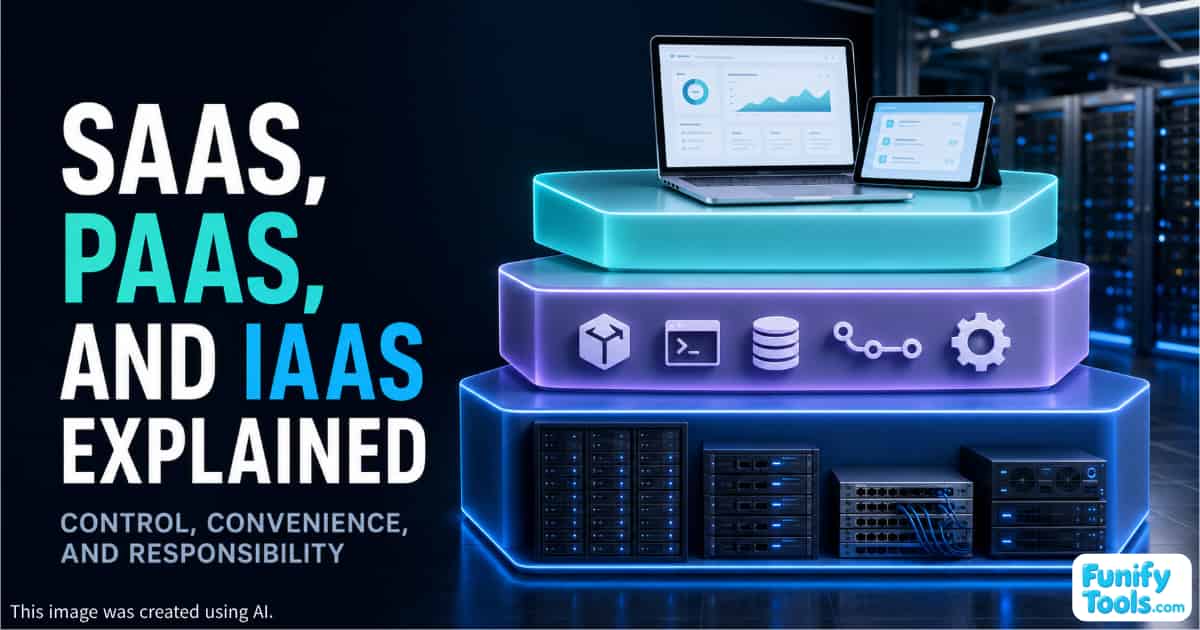
As you move toward IaaS, you gain more control and flexibility, but you also take on more responsibility.
As you move toward SaaS, the service becomes easier to use because the provider handles more of the technical work. However, you have less control over how the software and infrastructure operate.
PaaS sits in the middle. It gives developers more control than SaaS while removing much of the infrastructure management required by IaaS.
Which Cloud Service Model Should You Choose?
There is no single model that is best for every company or project.
A small business may rely primarily on SaaS products for email, collaboration, accounting, and customer management. This allows the company to use professional software without hiring a large infrastructure team.
A development team may choose PaaS when it wants to release applications quickly without spending too much time configuring and maintaining servers.
A larger organization may use IaaS for critical systems that require custom operating environments, specialized security settings, or greater control over performance and networking.
The right choice depends on how much control you need, how much technical responsibility your team can handle, and how quickly you want to deploy the service.
Most Organizations Use a Combination
In practice, SaaS, PaaS, and IaaS are not always separated into neat categories. Many companies use all three at the same time.
For example, a company might run its main application on virtual servers provided through IaaS, subscribe to SaaS tools for communication and project management, and use PaaS services to simplify application deployment and database operations.
The important thing is not simply memorizing the definitions.
Instead, ask these questions whenever you evaluate a cloud service:
- What does the provider manage?
- What do I still need to manage?
- How much control do I have?
- What security responsibilities remain with me?
- How difficult would it be to move to another provider?
Once you understand where the provider's responsibility ends and your responsibility begins, the differences among SaaS, PaaS, and IaaS become much clearer.
Final Thoughts
SaaS, PaaS, and IaaS represent different levels of convenience, control, and responsibility.
SaaS gives you a complete application, PaaS gives developers a ready-to-use platform, and IaaS provides the underlying infrastructure needed to build a customized environment.
Hopefully, this explanation will help you decide which cloud service model makes the most sense for your needs.
Thank you for reading, and I hope you have a wonderful day!
This article is also available in Korean: Read the Korean version