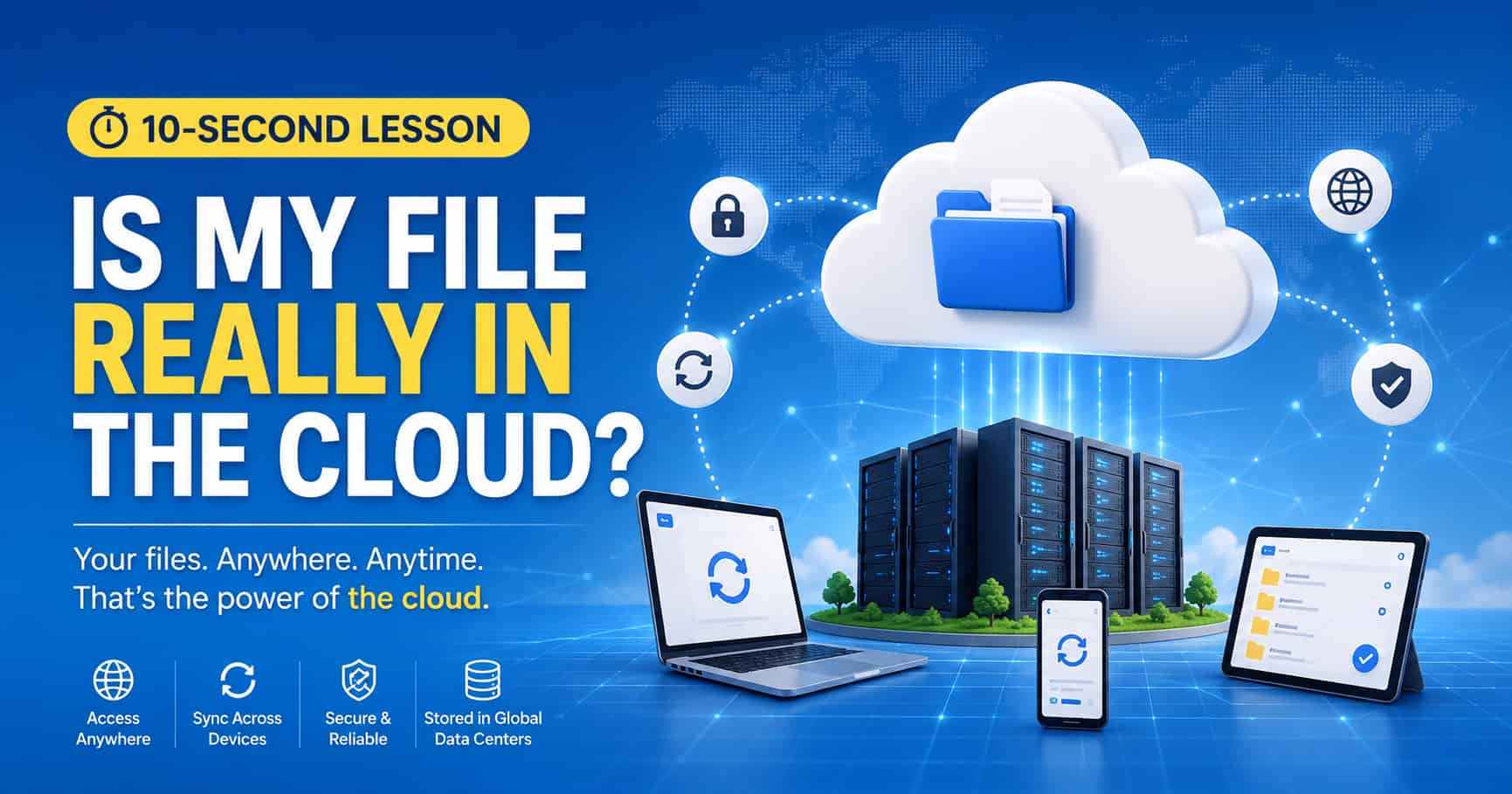
10-second lesson
- A file in the cloud is not floating in the sky; it is stored on real servers inside data centers.
- Cloud services copy your file from your device to storage systems managed by companies like Google, Apple, Microsoft, or Dropbox.
- When you open the file on another device, that device downloads or streams the latest version from the cloud service.
- Sync keeps files updated across devices, so a change on your phone can appear on your laptop.
- Many cloud services keep extra copies in multiple locations to reduce the risk of data loss.
- Cloud access depends on your account, internet connection, service availability, and permission settings.
- The cloud is convenient, but it also means trusting another company's security, privacy rules, and storage policies.
- The simple answer: your file is on someone else's computer, reachable through the internet and managed by cloud software.
What It Really Means to Store a File in the Cloud
When people say a file is “in the cloud,” it can sound like the file has left the physical world. But cloud storage is not magic, and it is not literally in the sky. Your file still lives on real hardware: drives, servers, racks, networks, and data centers owned or rented by a cloud provider.
The cloud is a way of accessing storage over the internet. Instead of keeping a file only on your own laptop or phone, you upload it to a service such as Google Drive, iCloud, OneDrive, Dropbox, or another storage platform. That service stores the file on its infrastructure and lets you reach it from different devices.
Where the File Actually Goes
When you upload a photo, document, or backup, the cloud service receives the data and saves it to storage systems in a data center. A data center is a building filled with servers, networking equipment, cooling systems, power systems, and security controls.
Your file may not be stored as one simple file sitting alone on one single drive. Large cloud systems often split, copy, index, compress, encrypt, or distribute data behind the scenes. The service hides that complexity so you can simply see a familiar file name in an app or browser.
This is why cloud storage can feel simple on the surface. You drag a file into a folder, and it appears to be “there.” Underneath, the provider is managing storage locations, user permissions, backups, metadata, and synchronization.
How Sync Works
Sync is one of the main reasons cloud storage feels so useful. If you edit a file on your laptop, the cloud app notices the change and uploads the new version. Then your phone, tablet, or other computer can download or display that updated version.
In many cases, cloud apps do not download every full file immediately. They may show placeholders or stream content when you open it. This saves space on your device while still making the file look available.
Sync can also create conflicts. If the same file is edited on two devices before they both connect to the internet, the service may not know which version should win. That is why you sometimes see duplicate files, conflict copies, or version history.
Why the Cloud Feels Safer Than One Device
One benefit of cloud storage is resilience. If your laptop breaks, gets lost, or runs out of storage, your cloud files may still be available from another device. Many services also keep redundant copies so a single drive failure does not erase your data.
This is very different from storing the only copy of a file on one USB drive or one old computer. Cloud providers usually build systems that expect hardware to fail. The service is designed so the user does not have to think about every broken disk or replaced server.
Still, cloud storage is not the same as a perfect backup. Files can be accidentally deleted, accounts can be locked, sync mistakes can spread, and services can change their policies. Important files are safest when you keep more than one kind of backup.
Who Controls the File?
This is the tradeoff. Cloud storage gives you convenience, but you are trusting another company with your data. The provider controls the infrastructure, the login system, the storage rules, and the service terms. You control your account and settings, but you do not physically control the servers.
That matters for privacy and data sovereignty. Depending on the service, your files may be stored in another region or processed under specific legal rules. Companies may scan files for security, indexing, abuse prevention, or feature support. The details depend on the provider and the plan you use.
For sensitive files, it is worth checking encryption options, sharing settings, recovery methods, and whether the provider can access the content. Some services offer end-to-end encryption, where only you hold the key. Others encrypt data in transit and at rest but may still be able to process it on their servers.
What Happens When You Share a Cloud File
When you share a cloud file, you are usually not sending the file itself to everyone. You are creating permission for other people to access the stored file. The link, invitation, or shared folder tells the cloud service who is allowed to view, edit, download, or comment.
This is powerful because one file can be shared with many people without making separate copies for every email. But it also means sharing settings matter. A public link can expose a file to more people than you intended. An editor permission can let someone change or delete content.
Before sharing anything sensitive, check whether the link is private, public, restricted to certain accounts, view-only, or editable. Most cloud mistakes are not dramatic hacks; they are simple permission mistakes.
Why Internet Access Matters
A cloud file is easiest to use when you are online. If your internet connection is slow, blocked, or unavailable, the file may take a long time to open or may not open at all. Some apps let you mark files for offline access, which keeps a local copy on your device.
This is why cloud storage is not the same as local storage. Local files are immediately available on your device. Cloud files are available through a service, and that service depends on your network, your login, and the provider's systems.
In practice, many people use a hybrid model. They keep active files synced locally for speed and convenience, while also using cloud storage for backup, sharing, and access from other devices.
The Simple Version to Remember
A cloud file is a real file stored on real machines. The difference is that those machines belong to a cloud provider, and you reach them through your account and internet connection.
So yes, your file is really somewhere. It is not in the sky. It is on servers, usually copied and managed across a cloud system. The cloud gives you access, sync, sharing, and resilience, but it also asks you to trust the provider and manage your privacy settings carefully.
This article is also available in Korean: Read the Korean version