
What Is an Online Stopwatch?
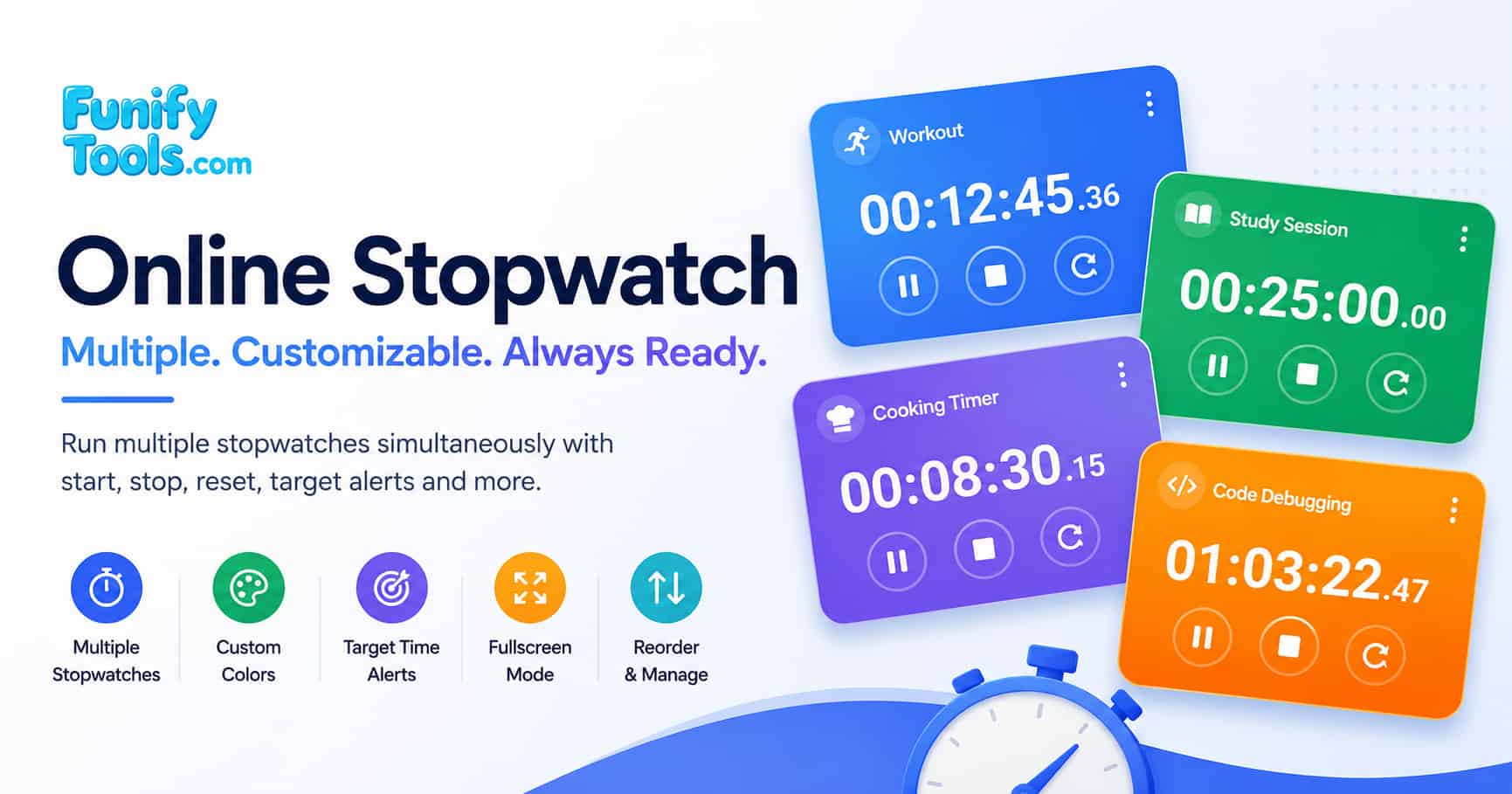
An online stopwatch is a browser-based digital timekeeping tool that measures elapsed time with precision down to hundredths of a second. Unlike traditional mechanical stopwatches that rely on a balance wheel and mainspring, an online stopwatch operates entirely through software timers running on your device's CPU. This page lets you manage multiple independent stopwatch widgets simultaneously, each with its own name, color theme, and optional target alert in HH:MM:SS format.
Whether you are timing a HIIT workout interval, monitoring a Pomodoro study session, tracking cooking times for a sous vide recipe, or recording lap times during a productivity sprint, having multiple stopwatches in one workspace reduces context switching and keeps you focused on what matters most.
How an Online Stopwatch Works
At its core, a stopwatch measures elapsed time by counting the intervals between a start event and a stop event. In mechanical stopwatches, this is achieved through a gear train escapement mechanism that regulates the release of energy from the mainspring. Digital stopwatches, both hardware and software-based, use a quartz crystal oscillator vibrating at a precise frequency, typically 32,768 Hz, to generate consistent time pulses. According to Wikipedia's article on quartz clocks, this frequency is chosen because 215 = 32,768, making it easy to divide down to a 1 Hz signal using a binary counter.
In a browser-based online stopwatch, the underlying operating system provides high-resolution performance timers. JavaScript translates those ticks into human-readable time displays using the performance.now() method, which returns a DOMHighResTimeStamp measured in milliseconds with sub-millisecond precision. The displayed time updates every 10 milliseconds, giving you a smooth, real-time reading that you can rely on for everyday timing tasks.
Stopwatch Types and Everyday Use Cases
Different timing scenarios call for different stopwatch features. The table below summarizes the most common types of stopwatches and their typical applications, based on industry standards from Wikipedia's stopwatch classification and real-world usage patterns documented by sports science and industrial engineering research.
| Stopwatch Type | Resolution | Typical Use Case | Example Application |
|---|---|---|---|
| Basic digital stopwatch | 0.01 s (10 ms) | General purpose timing | Cooking, study sessions, quick tests |
| Lap / split stopwatch | 0.01 s (10 ms) | Sports and athletics | Track running, swimming, cycling intervals |
| Countdown stopwatch | 1 s (1000 ms) | Deadline and event timing | Exam countdown, presentation timing |
| Industrial precision timer | 0.001 s (1 ms) | Laboratory and manufacturing | Reaction time tests, production line monitoring |
JavaScript Timing APIs Explained
Browser-based stopwatches rely on two primary JavaScript APIs: setInterval() and performance.now(). The setInterval() function, documented in detail on MDN Web Docs, repeatedly calls a callback function at a specified delay, typically 10 ms for stopwatch updates. However, setInterval() is not guaranteed to fire exactly on schedule because JavaScript runs on a single-threaded event loop. When the browser is busy rendering, processing user input, or handling network requests, timer callbacks can be delayed or coalesced. This phenomenon, known as timer throttling, is described in the HTML Living Standard specification.
To compensate, robust stopwatch implementations record the absolute start time using performance.now(), which provides a monotonic clock unaffected by system time adjustments, and compute elapsed time as currentTime - startTime on each tick rather than relying on the interval count. This approach, recommended by JavaScript performance best practices, ensures that even if a tick is delayed, the displayed time remains accurate.
| API | Resolution | Monotonic? | Best For | Limitations |
|---|---|---|---|---|
Date.now()
|
1 ms | No (affected by system clock) | Simple timestamps | Can jump forward or backward if the system clock is adjusted |
performance.now()
|
Sub-millisecond (5 μs typical) | Yes | Precision timing, elapsed time calculation | Not available in older browsers (IE 9+) |
setInterval()
|
Depends on browser (min ~4 ms) | N/A | Regular UI updates (ticks) | Subject to throttling in inactive tabs; not precise |
requestAnimationFrame()
|
~16.67 ms (60 FPS) | N/A | Smooth animations synced to display refresh | Pauses when tab is hidden; overkill for stopwatch ticks |
Accuracy and Performance Factors
The accuracy of an online stopwatch depends on several factors beyond the JavaScript code itself. According to research cited in Wikipedia's article on clock drift, all digital clocks experience drift, a gradual deviation from true time caused by temperature fluctuations, voltage changes, and crystal aging. In desktop and mobile devices, the system clock is periodically synchronized with Network Time Protocol (NTP) servers, but between synchronizations, the local clock may drift by several milliseconds per minute.
For most practical purposes, workout intervals, cooking timers, and study sessions, this level of drift is negligible. However, for applications requiring high precision, such as scientific experiments or audio recording synchronization, a dedicated hardware timer or a specialized timekeeping service is recommended. The table below summarizes the expected accuracy of browser-based stopwatches under different conditions, based on data from browser timer accuracy studies and the W3C High Resolution Time specification.
| Condition | Expected Drift | Impact on Timing | Mitigation Strategy |
|---|---|---|---|
| Active tab, foreground | < 10 ms per minute | Negligible for most use cases | Use performance.now() for elapsed time calculation |
| Inactive tab (background) | Up to 1000 ms per minute | Significant; timer may appear to pause | Use a Web Worker for background timing |
| High CPU load | 10-100 ms per minute | Moderate; ticks may be delayed | Reduce UI update frequency; rely on absolute timestamps |
| System clock adjustment (DST, NTP sync) | Variable (seconds possible) | Critical if using Date.now()
|
Always use performance.now() for elapsed time |
For users who need reliable timing in the background, modern browsers support Web Workers, scripts that run on a separate thread and are not subject to the same throttling as the main thread. By offloading the timer logic to a Web Worker, a stopwatch can maintain accurate elapsed time even when the browser tab is not in focus. This technique is documented in the W3C Web Workers specification and is increasingly adopted by professional-grade online timing tools.
Practical Tips for Better Timing
Getting the most out of an online stopwatch goes beyond simply pressing Start and Stop. Here are several practical tips to improve your timing accuracy and workflow efficiency:
- Use descriptive names for each stopwatch. When running multiple timers simultaneously, rename each card (e.g., "Task A," "Workout Round 3," "Pasta Timer") so you can instantly identify which timer corresponds to which activity. This reduces errors and helps you stay organized.
- Set target alerts for critical milestones. If you need to know exactly when a specific duration has elapsed, for example, a 5-minute cooldown or a 25-minute Pomodoro session, enter the target time in HH:MM:SS format. The card will blink and show a red border when the target is reached, even if you are not watching the display continuously.
- Customize colors for quick visual scanning. Use the settings panel to assign distinct font and background colors to different stopwatch cards. Color-coding helps you locate the right timer at a glance, especially when you have four or more stopwatches running at once.
- Keep the browser tab active for best accuracy. Browser timers are throttled when the tab moves to the background. For critical timing tasks, keep the stopwatch page in an active, foreground tab. If you need background timing, consider using a dedicated timer app or a Web Worker-based solution.
- Use fullscreen mode to eliminate distractions. Press the Full button to enter fullscreen mode, which hides navigation, footer, and other page elements. This is especially useful during presentations, exams, or focused work sessions where every pixel of screen space matters.
- Reset between sessions to avoid confusion. After completing a set of timed activities, press Reset group to clear the selected group and start fresh. This prevents leftover timers from cluttering your workspace and ensures each new session begins with a clean slate.
By following these tips, you can transform a simple online stopwatch into a powerful productivity companion that adapts to your specific timing needs, whether you are cooking, studying, exercising, or managing complex workflows.