
1
Search by page title
Use the search box when you already know the tool name, such as BMI, QR Code Generator, SHA-256, or Unit Converter. This is the quickest way to reach the page you want.
Smart tools for everyday tasks, calculators, generators, and practical guides in one place.
Smart tools. Instant results.
Practical calculators, utilities, simulations, and IT guides designed to help you get things done and understand how they work.
Trusted & Reliable Accurate tools you can trust
Fast & Easy Get results in seconds
100% Free Always free to use
Featured hubs
Use these links to quickly reach the most visited sections and key areas across Funifytools.
Comprehensive online calculator suite with specialized tools including financial calculators, health calculators, cooking calculators, and more. Perfect for all your calculation needs.

Comprehensive online cryptography and hash tool suite with specialized tools for AES, DES, RC4, TripleDES, and various hash functions like MD5, SHA1, SHA224, SHA256, SHA384, SHA512, SHAKE128, and SHAKE256.

Explore interactive learning tools for operating systems, networking, concurrency, storage, and other computer science concepts from one organized hub.

Popular tools
Explore some of the most visited tools and useful posts across Funifytools.
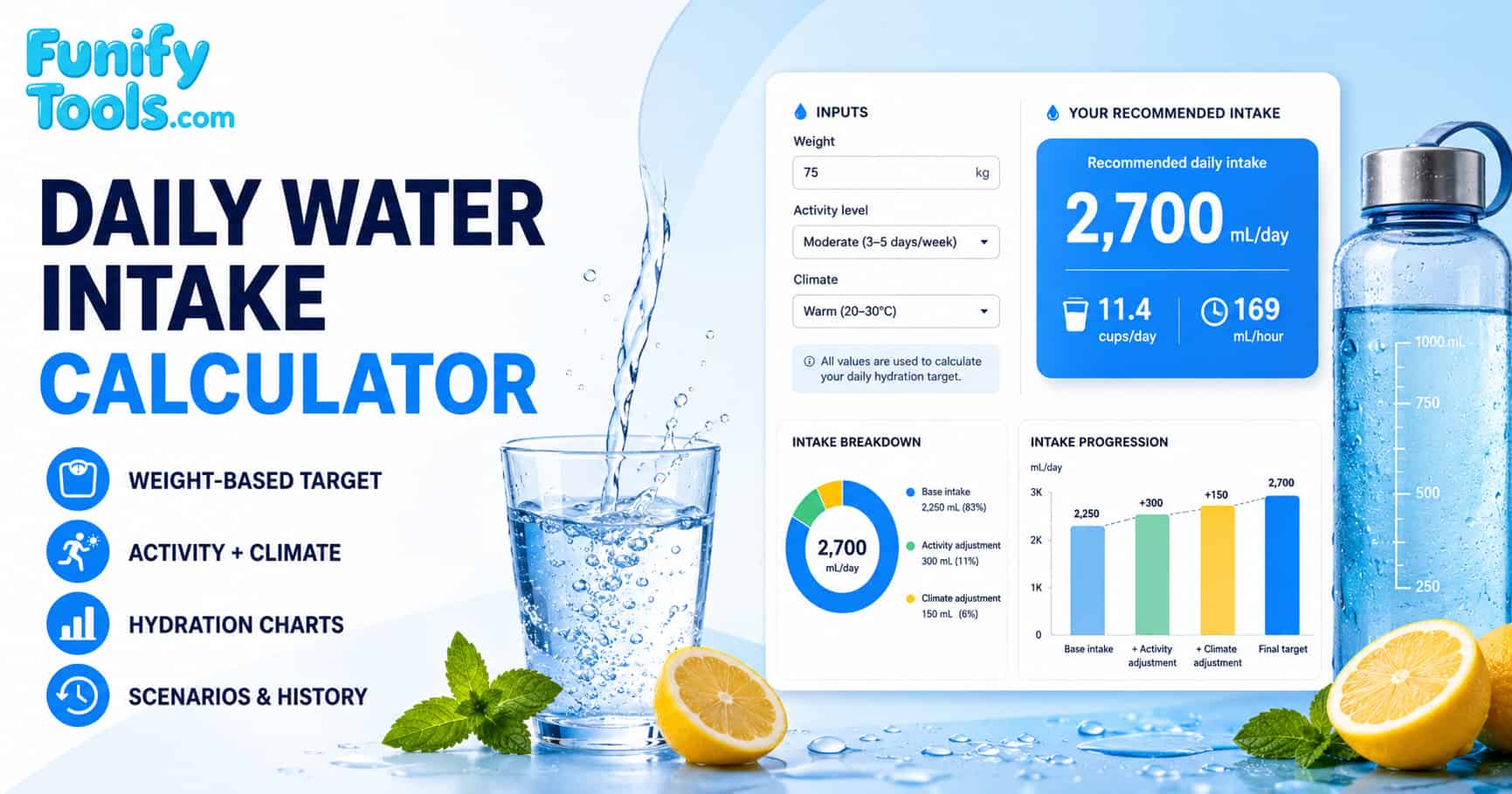
Determine your recommended daily hydration needs based on weight, activity level, and climate.

Generate MD5 hashes for text and use the result to compare data or perform basic integrity checks.

Create high-quality barcodes for product labels, inventory workflows, retail use, and downloadable assets.

Compare blocking threads and non-blocking I/O with configurable requests, worker counts, queues, timelines, and results.
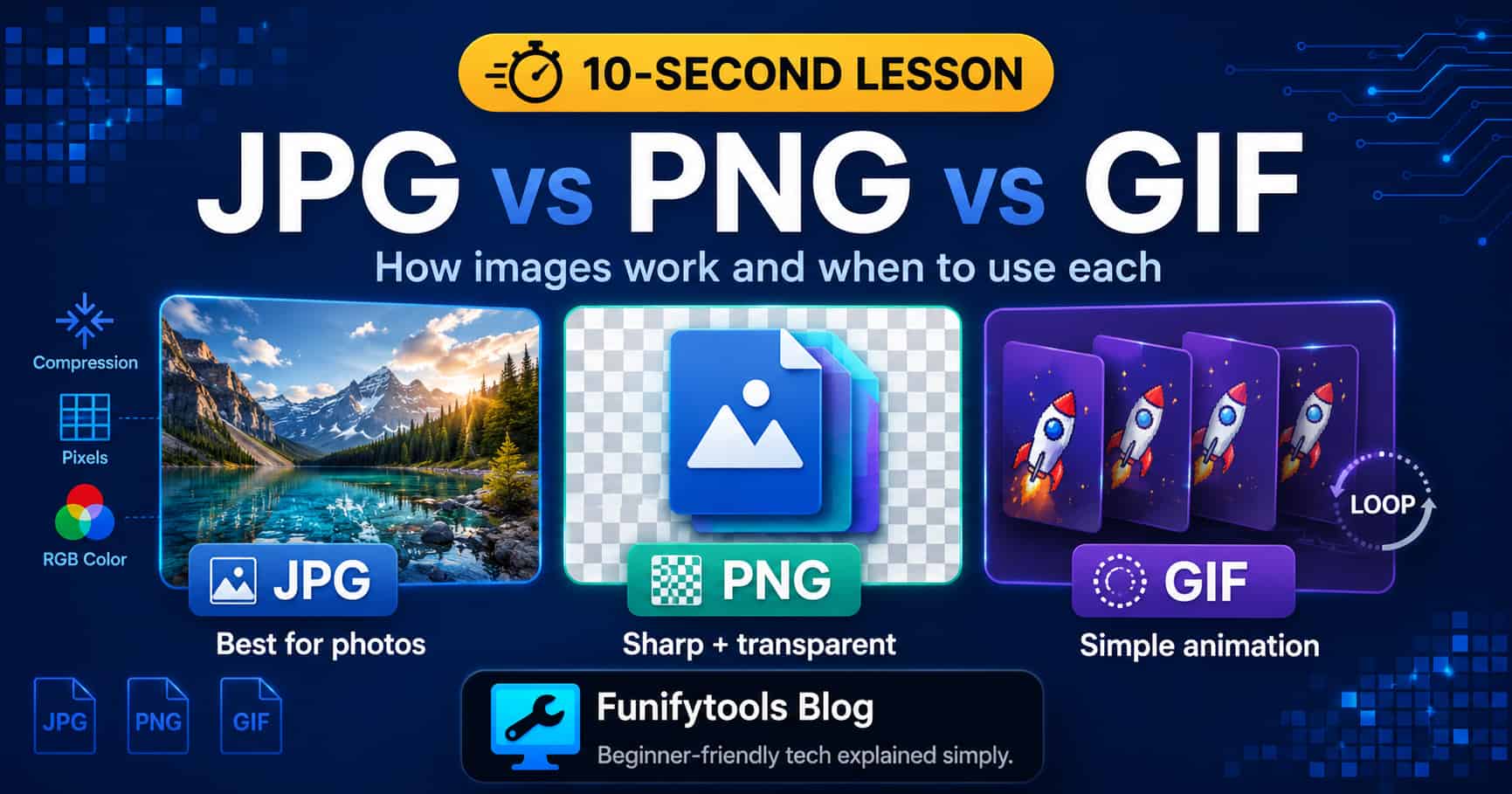
Compare three common image formats and learn when JPG, PNG, or GIF is the better choice.

Explore Australia's under-16 social media limits, Google's concerns, and the wider questions around online safety and access.
Category library
Preview each category, learn what it covers, and open the full list in one click.
Helpful paths
Search for a specific tool or start with a category to quickly find the pages and content you need.
Use the search box when you already know the tool name, such as BMI, QR Code Generator, SHA-256, or Unit Converter. This is the quickest way to reach the page you want.
Open a category such as Calculators, Cryptography and Hash, Data and Image Processing, or Posts when you know the topic but have not chosen a specific page yet.
Visit pages like All Calculators or Posts Main when you want a broader overview and an easier way to explore related content across the site.
Use the English homepage for English pages, or switch to the Korean homepage if you want to browse tools and content in Korean.
FAQ
Find quick answers to common questions about Funifytools.
You can use Funifytools for calculators, conversions, hash generators, QR code tools, text and image utilities, lookup pages, and practical guides for everyday tasks.
Yes. Funifytools is designed to work well on phones, tablets, and desktop screens, so you can browse pages and use tools comfortably across devices.
Funify Notes is a browser-based personal workspace where you can create, organize, edit, and save notes, documents, and reference materials in one place.
No. Funifytools pages run in your web browser, so you can open and use the available tools without installing a separate application or creating an account.
Use the homepage search when you know a keyword, or browse the calculator and utility category cards to compare related pages.
Funifytools calculators provide practical estimates based on the values you enter. For financial, medical, legal, or other important decisions, verify the result and consult a qualified professional when appropriate.