10-second lesson
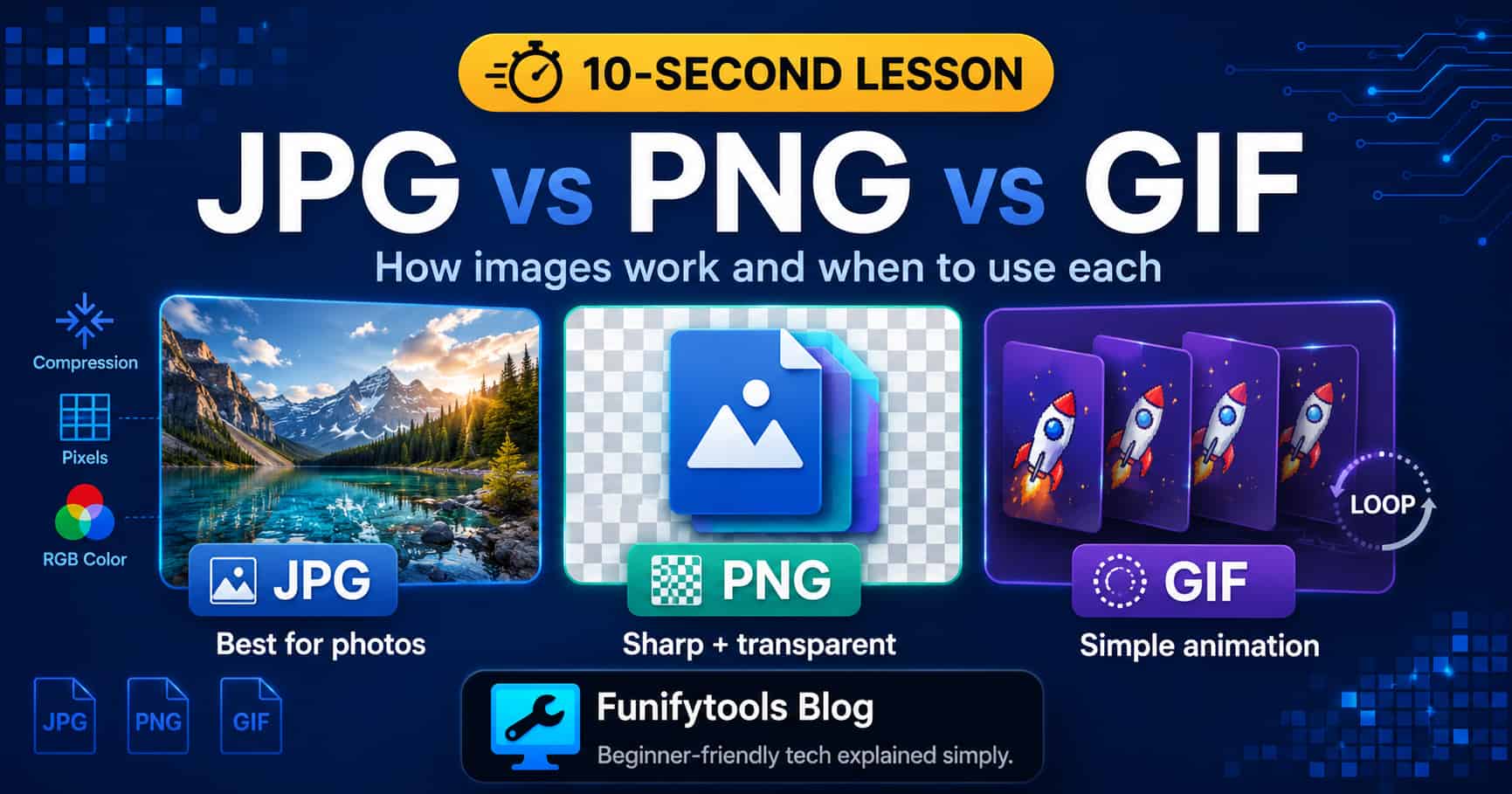
- JPG, PNG, and GIF are image formats, and each one is built for a different job.
- JPG is best for photos because it compresses complex colors into smaller files.
- JPG uses lossy compression, so some detail is permanently removed to reduce file size.
- PNG is best for sharp graphics, screenshots, icons, text, and images that need transparency.
- PNG uses lossless compression, so it keeps image quality but often creates larger files.
- GIF is best for simple animations and short loops, but it is limited to 256 colors.
- For modern websites, WebP and AVIF often compress better, but JPG, PNG, and GIF are still widely understood.
- The quick rule: use JPG for photos, PNG for clean graphics and transparency, and GIF for simple animation.
How JPG, PNG, and GIF Are Different
Every digital image is made of pixels. Each pixel stores color information, and when enough pixels are arranged together, your eyes see a photo, icon, screenshot, illustration, or animation. The challenge is that raw pixel data can become very large.
Image formats exist to store that visual information efficiently. JPG, PNG, and GIF all describe images, but they make different tradeoffs between file size, quality, transparency, and animation.
JPG: Best for Photos
JPG, also written as JPEG, is the format most people see in digital photos. Cameras, phones, websites, and social media platforms use it because it is very good at shrinking realistic images with many colors and smooth gradients.
JPG uses lossy compression. That means the format throws away some visual information to make the file smaller. The trick is that it tries to remove details that people are less likely to notice, especially subtle changes in color or brightness.
This works well for photographs because photos contain natural variation. A little smoothing in a sky, face, tree, or background may not be obvious. But if you save a JPG too aggressively, you can see artifacts: blocky patterns, blurry edges, color banding, or messy text.
JPG is usually a poor choice for logos, screenshots with text, icons, diagrams, or anything that needs a transparent background. It also loses a little more quality each time you edit and re-save it.
PNG: Best for Sharp Graphics and Transparency
PNG was designed for clean digital graphics. It uses lossless compression, which means it can reduce file size without permanently throwing away image detail. If you save a PNG, reopen it, and save it again, the image data does not degrade the way a JPG can.
PNG is excellent for screenshots, interface elements, diagrams, icons, charts, and images with text. Edges stay crisp, colors stay exact, and small details remain readable.
Another major strength of PNG is transparency. PNG supports an alpha channel, which allows pixels to be fully or partially transparent. That is why PNG is common for logos, stickers, cutout graphics, and UI assets that need to sit cleanly on different backgrounds.
The downside is file size. PNG can be much larger than JPG for photographs. A detailed photo saved as PNG may look great, but it can be unnecessarily heavy for the web.
GIF: Best for Simple Loops
GIF is an older format, but it became famous because it can store simple animation. A GIF can contain multiple frames that play in sequence, like a tiny flipbook. That made it perfect for memes, reaction loops, small stickers, and simple motion graphics.
The main limitation is color. GIF is limited to 256 colors per frame, so it is not ideal for high-quality photos or smooth gradients. You may see banding, rough edges, or a limited color look.
GIF also supports only simple transparency. A pixel can be transparent or not transparent, but it does not handle smooth partial transparency the way PNG does. For modern animation, formats like MP4, WebM, animated WebP, or APNG are often more efficient.
Still, GIF remains culturally important because it is simple, familiar, and supported almost everywhere.
Why Compression Matters
Compression is the reason these formats exist. Without compression, images would take up more storage and load more slowly. On the web, image size affects speed, bandwidth, and user experience.
Lossy compression, like JPG, accepts some quality loss to save space. Lossless compression, like PNG, keeps the data intact but may not shrink complex images as much. GIF uses a limited color palette, which can keep simple animations small but limits visual quality.
The right format depends on what you are trying to protect. If you care about realistic photos and small file size, JPG is usually enough. If you care about sharp edges and transparency, PNG is safer. If you care about a short looping animation, GIF can still work.
Where Modern Formats Fit
Today, formats like WebP and AVIF can often beat older formats in compression. WebP can handle photos, transparency, and animation. AVIF can provide excellent compression and quality, especially for web delivery.
Even so, JPG, PNG, and GIF are still worth understanding because they are everywhere. You will see them in downloads, websites, design tools, screenshots, email attachments, documentation, and old archives.
The Simple Version to Remember
Use JPG when the image is a photo and file size matters. Use PNG when the image needs sharp detail, clean text, or transparency. Use GIF when you need a simple looping animation and do not need high color quality.
Choosing an image format is not about which one is best overall. It is about choosing the format that matches the job. Photos, logos, screenshots, and animations each have different needs, and that is why these formats still matter.
This article is also available in Korean: Read the Korean version