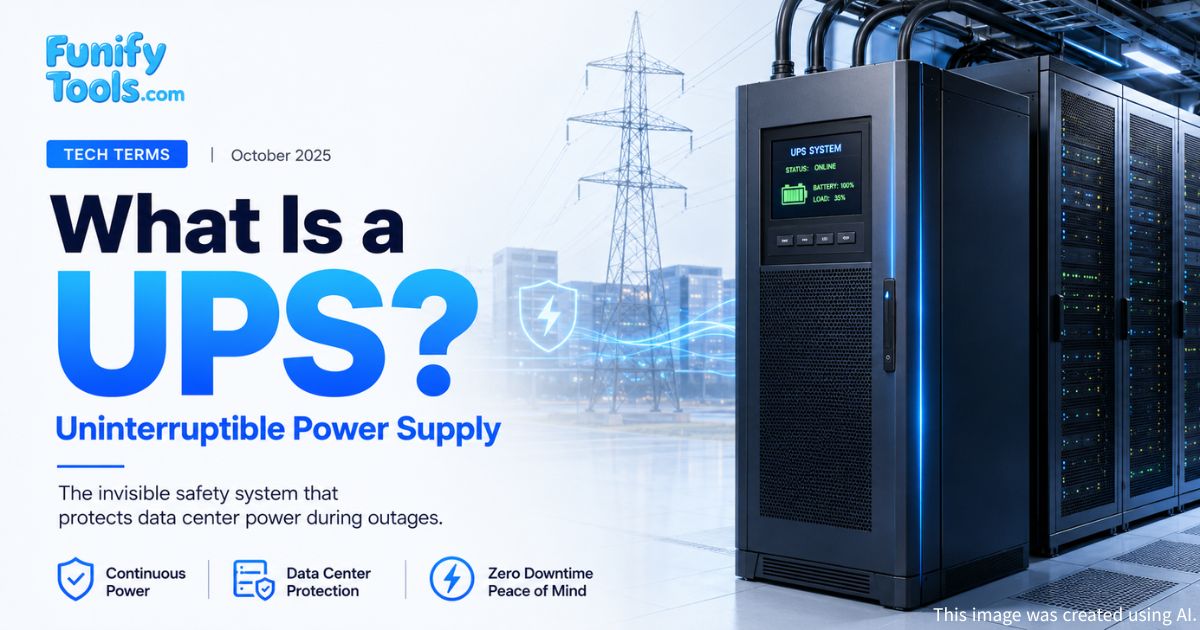
A UPS stands for Uninterruptible Power Supply. In simple terms, it is a device that keeps electricity flowing for a short time when the main power suddenly goes out.
That may sound like a small job, but it plays a huge role in protecting the digital systems we rely on every day. Computers, servers, storage systems, network equipment, hospital devices, payment systems, and data centers can all be affected by even a brief power interruption.
If a desktop computer loses power while you are writing a document, you may lose unsaved work. If a server loses power in a data center, the damage can be much larger: corrupted files, interrupted transactions, service outages, damaged hardware, or delayed recovery. A UPS exists to prevent that sudden stop.
You can think of it as a seat belt for electrical power. Most of the time, you do not notice it. But at the exact moment something goes wrong, it becomes the thing that keeps the system safe.
Why a UPS Matters
Electricity feels stable because we usually do not think about it. We plug in a device, press the power button, and expect everything to work. But real power is not always perfect. Outages, voltage drops, surges, frequency changes, and brief interruptions can happen for many reasons.
For a home user, a UPS gives enough time to save work and shut down safely. For a small office, it can keep routers, NAS devices, security systems, and workstations alive long enough to avoid data loss. For a hospital, telecom facility, financial institution, or data center, a UPS can be part of the difference between stable operation and a serious incident.
The important detail is speed. A backup generator is powerful, but it usually needs a short moment to start. A UPS fills that gap instantly. Those few seconds may not sound dramatic, but for servers and network equipment, they are critical.
In a data center, power continuity is not a luxury. It is part of the service itself. If electricity stops, cloud services, websites, payment systems, AI workloads, and stored data can all be affected.
How a UPS Works
A UPS is generally made up of three main parts: a rectifier or converter, a battery system, and an inverter. These parts work together to keep power stable when outside electricity becomes unstable.
First, the rectifier, sometimes called a converter, receives incoming AC power and converts it into DC power. This DC power charges the battery and supports the internal power system.
Second, the battery system stores electricity for emergencies. This is the part most people imagine when they hear UPS. The battery is not meant to run a whole building forever. Its purpose is to provide immediate backup power during the short but dangerous gap after power is lost.
Third, the inverter takes DC power from the battery and converts it back into AC power that computers, servers, and network devices can use. This conversion happens extremely quickly, often within milliseconds, so connected equipment can continue running without noticing the interruption.
In other words, a UPS is not just a battery box. It is a small power-management system that monitors, converts, stores, and delivers electricity when timing matters most.
The Three Common UPS Types
UPS systems are not all the same. Different environments need different levels of protection.
Standby UPS is the most basic type. It is common for home computers and simple office equipment. Under normal conditions, devices run on utility power. When an outage happens, the UPS switches to battery power. It is affordable and simple, but not the best choice for highly sensitive systems.
Line Interactive UPS adds better voltage regulation. It can handle minor voltage drops or rises without switching fully to battery power every time. This makes it useful in places where power is available but not always stable.
Online UPS, also called a Double Conversion UPS, is the most advanced type. It continuously converts incoming power and supplies clean, stable electricity through the inverter. This design is widely used in data centers and critical facilities because it protects equipment from many kinds of power disturbance.
The right choice depends on the environment. A gaming PC, a home NAS, a hospital system, and a large AI data center do not need the same UPS design.
UPS Batteries and Safety
The battery is the heart of a UPS, but it is also the part that needs the most care. Common battery types include VRLA lead-acid batteries and lithium-ion batteries.
Lead-acid batteries have been used for a long time and are still common because they are relatively familiar and cost-effective. Lithium-ion batteries are becoming more common because they can offer better energy density, longer service life, and improved efficiency. However, they also require careful temperature control, charging management, and monitoring.
This is why battery safety matters. If batteries age, overheat, swell, leak, or develop internal problems, the UPS can become a risk instead of a safeguard. In lithium-ion systems, overheating can become especially dangerous if it leads to thermal runaway.
Good UPS design includes ventilation, cooling, monitoring, fire detection, safe installation, and regular inspection. In larger facilities, a Battery Management System, or BMS, may monitor voltage, temperature, charge status, and abnormal behavior in real time.
A UPS is there to protect systems, but it also needs protection itself.
Maintenance Is Not Optional
One common mistake is assuming that a UPS can simply be installed and forgotten. That is not true. Like any important safety system, it needs routine checks.
Batteries age even if they are not used often. Cooling fans can fail. Dust can build up. Internal resistance can increase. Connections can loosen. Monitoring settings can be ignored. A UPS that worked perfectly five years ago may not respond properly today if it has not been maintained.
In general, UPS equipment and batteries need regular load testing, condition checks, replacement planning, and environmental monitoring. The exact schedule depends on the product, battery type, operating temperature, usage, and facility requirements.
This is especially important in data centers. A UPS failure does not always look dramatic at first, but when a real outage happens, hidden problems can appear all at once. That is the worst possible time to discover that a battery string is weak or that cooling has been insufficient.
Why Data Centers Depend on UPS Systems
Data centers are built around continuity. Servers must keep running, storage systems must keep data safe, and network equipment must keep traffic moving. Even a short outage can affect thousands or millions of users.
A typical data center power system may include utility power, UPS systems, generators, power distribution units, monitoring systems, cooling systems, and fire-safety systems. The UPS is one layer in that chain, but it is a very important one because it responds instantly.
When the grid power fails, the UPS carries the load while generators start and stabilize. Once the generator is ready, the load can transfer without shutting down the equipment. To users, the service may continue as if nothing happened.
That invisible continuity is the real value of a UPS. The best UPS moment is the one nobody notices.
Common Places Where UPS Systems Are Used
Homes: desktop PCs, routers, NAS devices, CCTV systems, and home offices.
Small offices: workstations, network switches, servers, and payment terminals.
Hospitals: medical equipment, monitoring systems, and emergency infrastructure.
Telecom: base stations, communication switches, and network backbone equipment.
Finance: trading systems, payment systems, ATMs, and data processing infrastructure.
Data centers: servers, storage, AI workloads, cloud infrastructure, and networking systems.
The scale changes, but the purpose is the same: keep critical equipment alive long enough to avoid damage, data loss, and service interruption.
What a UPS Cannot Do
A UPS is important, but it is not a magic power source. It usually cannot keep large systems running indefinitely. Runtime depends on battery capacity, connected load, battery health, and UPS design.
It also does not replace good electrical design. A UPS should work together with proper grounding, surge protection, safe wiring, cooling, generators, monitoring, and emergency procedures.
For home users, this means choosing a UPS with enough capacity for the devices you actually need to keep running. For businesses and data centers, it means designing the full power chain carefully rather than treating the UPS as an afterthought.
Final Thoughts
UPS systems are rarely seen by the public, but they quietly support nearly all of today's digital infrastructure. They help ensure that when electricity stops, the systems built on that electricity do not stop immediately with it.
From protecting a home computer during a short outage to keeping a data center stable while generators start, a UPS serves as a silent but vital layer of defense.
With steady inspection, proper maintenance, careful battery management, and safe installation, a UPS can remain a reliable last line of protection. Behind the IT services, hospital systems, public infrastructure, and digital tools we depend on every day, there is often a UPS working quietly in the background.
Thank you for reading, and I wish you happiness always.
1. What does a UPS do in a data center?
A UPS keeps power flowing for a short time when the main electricity supply is interrupted. This helps servers, storage systems, and network equipment stay online until backup generators or other power systems take over.
2. Why is a UPS important if a facility already has a backup generator?
A backup generator usually needs a little time to start running after a power outage. A UPS fills that gap instantly, preventing critical equipment from shutting down during those first few seconds.
3. Can a UPS become dangerous if it is not maintained properly?
Yes. Poor cooling, aging batteries, and skipped inspections can increase heat buildup and raise the risk of equipment failure or even fire. That is why regular testing, battery monitoring, and safe installation are so important.
This article is also available in Korean: Read the Korean version