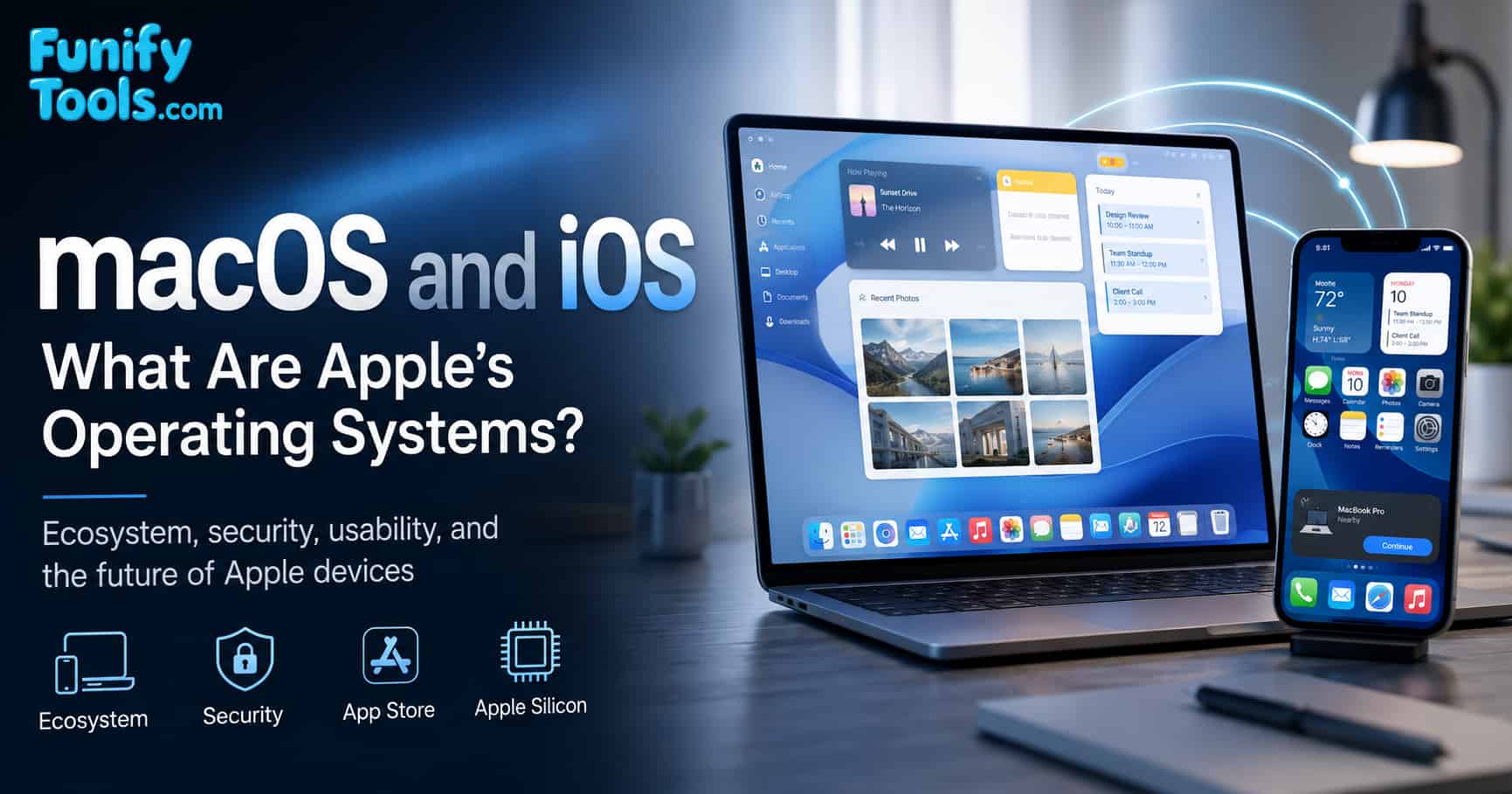
macOS and iOS are operating systems created by Apple to power MacBooks, iPhones, and iPads, known for stability, security, and deep ecosystem integration.
macOS shines in creative work like design, music, and video editing, while iOS is praised for its intuitive UI and robust App Store. Though less open, both deliver consistent, highly optimized experiences.
Looking ahead, macOS and iOS are set to grow with AI, AR, and healthcare, further expanding Apple’s influence across devices and services.
In the previous article, we explored Android. Today, let’s take a closer look at Apple’s operating systems — macOS and iOS.
When people think of Apple devices, they picture sleek design and intuitive usability. Behind that experience are the real stars: Apple’s operating systems. MacBooks and iMacs run on macOS, while iPhones and iPads run on iOS — together reflecting Apple’s philosophy and technical strength.
The roots of macOS trace back to 1984 with the first Macintosh. Steve Jobs popularized the graphical user interface (GUI), replacing command lines with icons, windows, and the mouse. Over time, Mac OS Classic evolved into Mac OS X (2001) with stronger stability and security, eventually becoming today’s macOS.
iOS debuted in 2007 with the iPhone. Multi-touch gestures, a full touchscreen, and the App Store ecosystem redefined mobile computing — many experiences we take for granted started here.
An operating system is easy to overlook because it sits between you and the hardware. But every tap, file transfer, notification, app install, camera capture, password prompt, and software update passes through it. Apple has always treated that layer as part of the product experience, not just as background software.
That is why macOS and iOS feel different from simply installing software on generic hardware. Apple controls the device, the system software, many core apps, and the App Store rules. This can feel restrictive at times, but it also lets Apple tune the experience very tightly from the chip to the screen.
The interesting part is that macOS and iOS were shaped for different environments. macOS grew from desktop computing, where users manage files, windows, external drives, professional tools, and long work sessions. iOS grew from mobile computing, where speed, touch, battery life, security, and simplicity matter more than exposing every system detail.
Integration Across the Apple Ecosystem
A defining strength of macOS and iOS is seamless integration. Photos from iPhone sync to Mac, documents started on iPad continue on Mac, and you can send texts from your Mac or take calls on iPhone. This harmony is possible because Apple designs both hardware and software.
Security and stability are strong points, too. App Store reviews and Apple-managed updates mean most devices receive the latest features and patches simultaneously, reducing user maintenance.
This integration shows up in small daily moments. AirDrop can move photos or documents without setting up a cable. Handoff lets you begin an email or web page on one device and continue on another. Universal Clipboard can copy text on an iPhone and paste it on a Mac. None of these features are individually magical, but together they reduce friction.
iCloud is the quiet backbone of much of this experience. Contacts, calendars, photos, notes, passwords, device backups, and app data can follow the user across devices. For someone using only one Apple device, this is convenient. For someone using an iPhone, Mac, iPad, Apple Watch, and AirPods, it becomes one of the main reasons the ecosystem feels sticky.
Another advantage is consistency. A family member who learns the basics on an iPhone can often understand an iPad quickly. A Mac user who uses Notes, Safari, Photos, Messages, and FaceTime will find familiar ideas on iOS. Apple benefits from making its devices feel related, and users benefit from spending less time relearning basic workflows.
Limitations and Apple’s Philosophy
The common criticism is a closed ecosystem: macOS and iOS run only on Apple hardware with limited system-level modification, and devices command premium prices. Yet Apple prioritizes polish and user experience over openness — aiming for that intersection of technology and the arts.
This trade-off is important. If you enjoy deep customization, sideloading freely, replacing system components, or choosing from many hardware vendors, Apple's approach can feel limiting. If you prefer a system that makes fewer decisions visible and keeps most settings simple, the same approach can feel calm and reliable.
Apple's philosophy is not that users should never have power. Rather, it tends to hide complexity until Apple believes it can present that complexity in a controlled way. This is why macOS is more flexible than iOS, while iOS remains more locked down for safety, battery life, and predictable behavior.
Current Strengths and Use Cases
macOS is widely used in creative industries for video, design, and music, prized for reliability and pro tools. iOS powers a dominant mobile ecosystem, and its security/consistency make it popular in business and public sectors.
Apple Silicon (M-series) further tightened hardware–software synergy, bringing higher performance and longer battery life to Macs.
For students and office workers, the appeal is often simple: long battery life, stable sleep and wake behavior, good trackpads, clean app design, and easy syncing with the iPhone. For creators, macOS is attractive because tools like Final Cut Pro, Logic Pro, Adobe apps, DaVinci Resolve, and many audio/video workflows are well supported.
iOS, meanwhile, is built around immediacy. The camera opens quickly, notifications are organized, biometric authentication is simple, and apps are designed around touch. The App Store model also gives many users confidence that apps have passed at least some review before reaching the device.
Apple Silicon made the relationship between macOS and iOS even more interesting. Macs and iPhones now share more architectural DNA, which helps with performance, battery life, and sometimes app compatibility. It also gives Apple more control over features that depend on the chip, such as on-device machine learning, media engines, and security hardware.
Looking Ahead
macOS and iOS will keep evolving with AI, AR, and healthcare. Apple Watch and Health already anchor personal wellness, and future devices (like AR glasses) are expected to deepen integration across the ecosystem.
For everyday users, iOS offers a safe, user-friendly mobile environment; for professionals, macOS delivers powerful creative workflows. Even if the closed nature limits tinkering, Apple’s systems are a masterclass in refined user experience.
The next stage will likely be less about one device doing everything and more about devices working together quietly. A Mac may handle heavy work, an iPhone may capture the world, an Apple Watch may monitor health, and a future spatial device may add a new layer of interaction. The operating systems are the glue that makes those roles feel connected.
AI will also test Apple's philosophy. Users want smarter tools, but Apple has traditionally emphasized privacy and on-device processing where possible. The challenge is to make AI useful without making the system feel invasive, unpredictable, or too complicated for ordinary users.
Final Thoughts
macOS and iOS embody Steve Jobs’s vision: not just operating systems, but carefully crafted bridges between technology and daily life. Where Windows and Android emphasize openness and breadth, Apple pursues integration and consistency — that’s why its platforms feel uniquely cohesive.
The best way to understand macOS and iOS is not only by listing features, but by noticing how little friction Apple wants the user to feel. Pairing headphones, transferring photos, installing updates, finding passwords, recovering backups, and moving between devices are all designed to feel less like technical chores and more like ordinary habits.
Of course, that smoothness comes with boundaries. Apple decides many defaults, controls the main app marketplace, and limits how far users can modify the system. Whether that is a benefit or a drawback depends on the person. For many users, the trade is worth it because the result feels stable, polished, and dependable.
That wraps up our look at macOS and iOS. Now if you’ll excuse me, I need to go stand in line for the iPhone 17. (Wish me luck!) Thanks for reading, and may your day be as smooth as an Apple keynote.
This article is also available in Korean: Read the Korean version