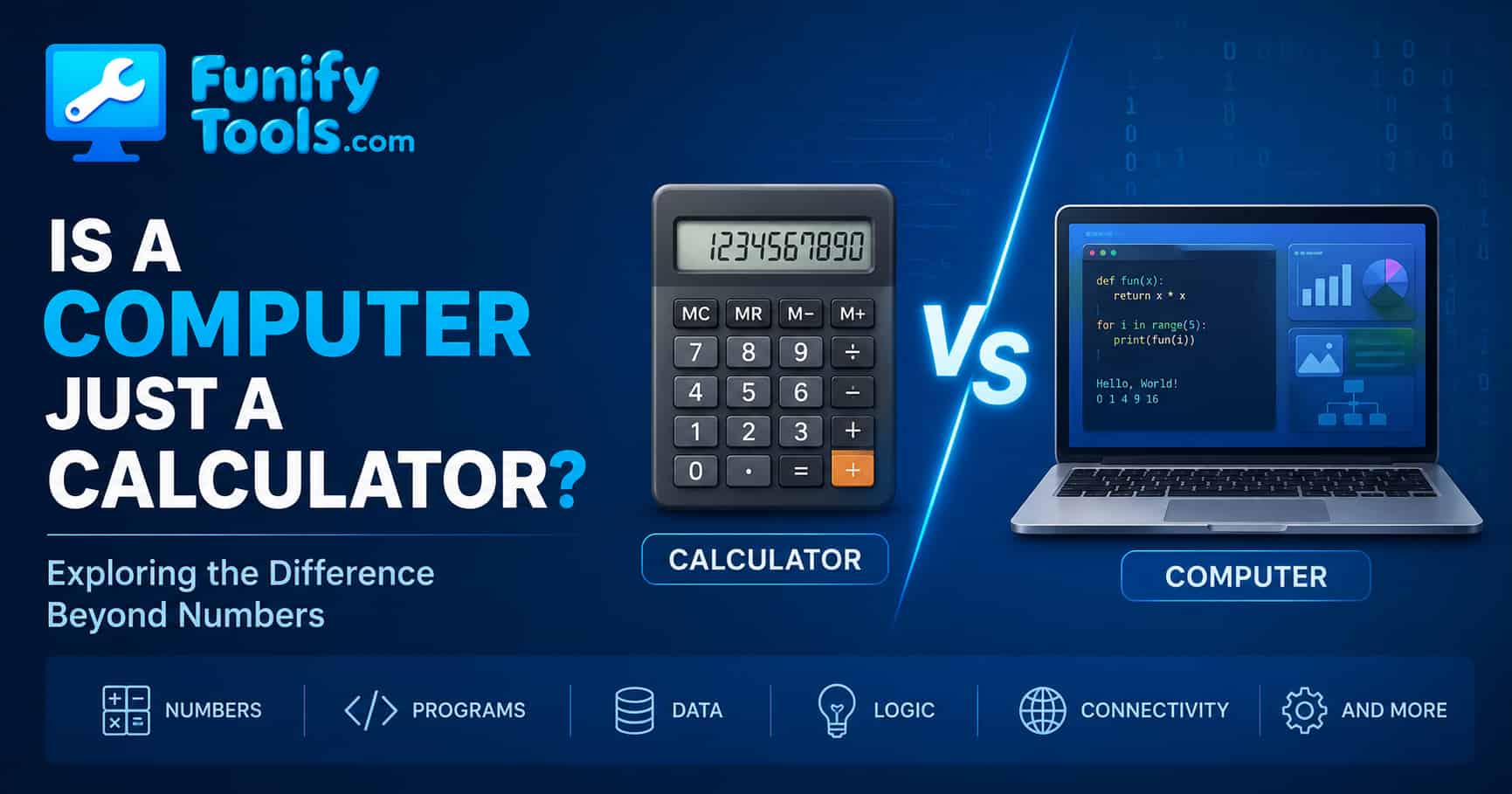
1. A Computer Is an Electrically Powered Calculator
In the previous post, I mentioned that "a computer is essentially a calculator that runs on electricity." Of course, we do not use computers just for arithmetic. We write documents, draw pictures, listen to music, watch movies, chat online, and edit photos.
So how can a "calculator" do all these different things?
The secret is simple: everything can be turned into numbers.
At first, this idea can feel too simple. A movie does not look like a number. A song does not sound like a number. A photo of your family does not feel like a calculation. But inside the computer, all of these things are stored in a form that can be counted, compared, copied, changed, and displayed again.
That is why calling a computer a calculator is not meant to make it sound small or boring. It is a way to understand its foundation. A calculator handles numbers. A computer also handles numbers, but it does so at enormous speed, with memory, programs, screens, speakers, networks, and many layers of software on top.
2. The Basic Principle
-
First, convert all kinds of information into numbers.
-
Next, process those numbers using a set procedure (an algorithm).
-
Finally, convert the results back into something humans can sense (a monitor, printer, speaker, etc.).
For example, when you press A on your keyboard, what really goes into the computer is not the shape of the letter, but the number 65, the ASCII code for "A."
This process happens constantly, even when we do not notice it. When you move the mouse, the computer receives changing position numbers. When you click, it receives a signal that can be represented numerically. When you adjust volume, brightness, or window size, the computer is changing values and redrawing the result.
The important part is the round trip: real-world action becomes data, data is processed, and the processed data becomes something visible or audible again. Computers feel magical because this round trip happens so quickly that we only notice the final result.
👉 I even made a small ASCII Code Lookup Tool where you can type a character and see its code.
Uppercase A = decimal 65, hex 41.
-
Hangul (Korean) characters follow a similar principle, built from combinations of basic symbols mapped to numbers.
ASCII is a simple and famous example because it maps common English letters and symbols to numbers. Modern computers often use Unicode, which can represent far more characters, including Korean, Japanese, Chinese, accents, symbols, and emoji. The rulebook is larger, but the principle is the same: characters are assigned numbers so computers can store and process them.
3. Everything Becomes Numbers
-
Text: Each character is stored as a numeric code (like ASCII).
-
Images: Think of your screen as a grid of tiny squares (pixels). Each pixel is just three numbers - red, green, and blue brightness, each ranging from 0 to 255. For example, a resolution of 1920 × 1080 means your screen has 2,073,600 pixels (Full HD).
-
Sound: Recorded as rapid samples of air vibrations, stored as a long list of numbers.
-
Video: Simply a sequence of images (frames) shown in rapid order, combined with sound numbers.
Once text, images, audio, and video are expressed as numbers, a computer can process them all by calculation.
For text, the number tells the computer which character to show. For images, numbers describe color and brightness. For sound, numbers describe changes in pressure over time. For video, numbers describe many images per second plus sound. The content feels different to us, but the computer can treat all of it as structured data.
This also explains file sizes. A short text note may be tiny because it stores only a small number of character codes. A high-resolution photo is larger because it contains millions of pixels. A movie is much larger because it contains many frames, audio data, subtitles, and often extra information about compression and playback.
Compression is another example of calculation. A compressed image, audio file, or video file does not store every detail in the most direct way. Instead, it uses patterns and formulas to store the same or similar information more efficiently. When you open the file, the computer calculates how to reconstruct it for viewing or listening.
4. Why Computers Are Calculators
"Calculation" is not something mystical. It is just repeating small, simple operations extremely fast and accurately: addition, subtraction, multiplication, division, comparison, copying, branching, and so on.
When people hear the word calculation, they often imagine school math. But in computing, calculation includes many ordinary actions. Comparing two words, checking whether a password matches, sorting files by date, resizing a photo, searching text, and deciding what to show after a button click are all forms of processing data.
-
Photo editing: "Increase brightness by 20%" = multiply each pixel's RGB values by 1.2, capped at 255.
-
Word processing: Spell-check underlines = split words, compare with a dictionary, then draw red pixels under missing words.
-
Video playback: Decode compressed numbers into frames and sync them with sound numbers.
A game is another good example. The computer calculates where a character is, how fast it is moving, whether it touched a wall, what color each pixel should be, and what sound should play. To the player, it feels like a living world. Underneath, it is a huge number of repeated calculations.
Even chatting online is based on calculations. Your message is converted into data, sent through networks in packets, checked, routed, received, decoded, and displayed on another person's screen. The friendly chat bubble hides a lot of numeric processing.
5. Example: Typing "A" on the Keyboard
-
The keyboard sends a signal when a key is pressed.
-
The computer interprets it as "this is A" and converts it to the number 65.
-
That number goes to the current input box (like Notepad).
-
The font system finds the shape for "A" and maps it to pixels.
-
The system calculates the color of each pixel and displays it on the screen.
All of this happens in less than 1/60 of a second - so fast that it feels instantaneous.
If the process sounds long, that is because we are slowing it down for explanation. In real use, the keyboard, operating system, application, font system, graphics system, and display all cooperate almost immediately. This is why typing feels natural even though many steps are happening behind the scenes.
The same idea applies when you type a whole sentence. Each key press becomes data, the application stores and arranges the characters, the font system draws shapes, and the screen refreshes again and again. A simple sentence is already a small chain of conversions and calculations.
6. Programs Make the Difference
Since letters, pictures, sound, and video are all just numbers, the same hardware can perform completely different tasks depending on the program:
-
A photo editor repeatedly adjusts pixel numbers.
-
A music app calculates and outputs sound numbers.
-
A spreadsheet rapidly adds, compares, and rearranges table numbers.
This is why a "calculator" can become a word processor, a movie player, or even an AI chatbot - simply by running different instructions on the same underlying machine.
This is one of the most powerful ideas in computing. The hardware does not become physically different when you open a browser instead of a music player. What changes is the set of instructions being executed. Software tells the same CPU, memory, storage, screen, and speakers how to behave for a particular purpose.
You can think of the computer as a very fast worker that only knows how to follow precise instructions. A drawing program gives it drawing-related instructions. A spreadsheet gives it table and formula instructions. A browser gives it networking, layout, and rendering instructions. The worker is the same, but the recipe changes.
This also explains why installing new software expands what a computer can do. You are not adding a new physical machine. You are adding new instructions that use the existing machine in a new way.
7. So Is It Only a Calculator?
Yes and no. At the deepest level, a computer is doing calculations on numbers. In that sense, the calculator comparison is useful. But a modern computer is much more than the small calculator on a desk because it can store huge amounts of data, run complex programs, communicate through networks, and connect to many devices.
A basic calculator has a fixed purpose. You press buttons, it gives arithmetic results. A computer is general-purpose. It can behave like many different tools because programs define what the numbers mean and what should happen to them.
So the better way to say it is this: a computer is a universal calculator. It calculates numbers, but those numbers can represent text, images, sound, videos, web pages, games, maps, messages, and AI responses. That is why a simple foundation can produce such a wide range of experiences.
Wrapping Up
Now you know why a computer is often described as a calculator at its core. By turning the world into numbers and processing them at incredible speed, it can take on an endless variety of roles. Thanks for reading, and I will see you again in the next post!
The next time you open a document, watch a video, listen to music, or send a message, remember what is happening underneath. The computer is not seeing the world the way we do. It is receiving numbers, calculating with them, and turning the results back into human-friendly forms.
Once this idea clicks, many other computer concepts become easier: binary numbers, file formats, pixels, audio samples, compression, programs, and even artificial intelligence. They all begin from the same quiet rule: represent information as numbers, then process those numbers with instructions.
This article is also available in Korean: Read the Korean version