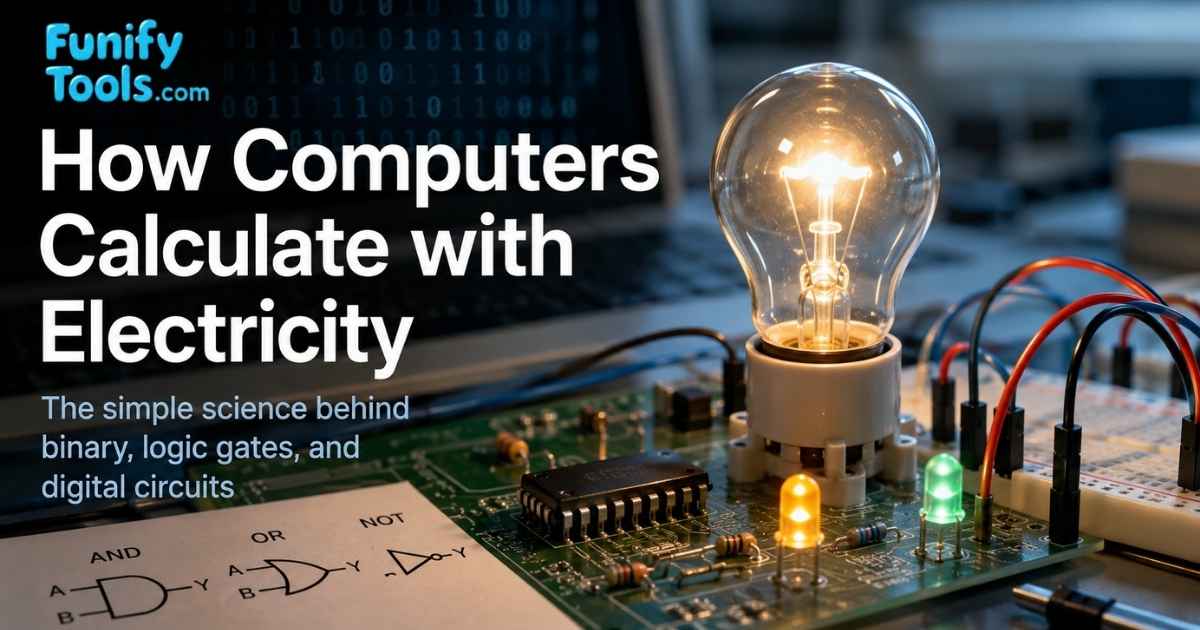
Last time, I described the computer as a giant calculator that works by electricity, converting everything into numbers and then processing them. But you might wonder: how exactly does electricity perform calculations?
It sounds strange at first because electricity feels like something that powers a device, not something that thinks. But a computer does not need electricity to think like a person. It only needs a reliable way to distinguish between two states. Once it can tell the difference between on and off, it can build numbers, instructions, images, sound, and programs from those simple signals.
That is the key idea of this article. Computers do not understand letters, photos, or music directly. They translate everything into patterns of electrical signals, process those patterns very quickly, and then translate the result back into something humans can recognize.
Computers Are Just Switches
At the most basic level, a computer is a massive collection of switches. When electricity flows, it is considered ON (1). When it does not, it is OFF (0). By arranging long patterns of these 0s and 1s, the computer can represent all information. This sequence of 0s and 1s is called a binary number.
For example, the sequence 1001001 is just electricity turning on and off in a specific pattern.
You can imagine a light switch on a wall. It has two clear states: on or off. A computer switch is much smaller and much faster, but the basic idea is similar. Instead of one switch controlling one light, a computer has billions of tiny electronic switches working together inside chips.
Those tiny switches are usually transistors. A transistor can allow or block electrical current, which makes it useful for representing 1 and 0. One transistor by itself is simple, but when huge numbers of transistors are arranged carefully, they can form circuits that store data, compare values, add numbers, and make decisions.
From Decimal to Binary
We normally use decimal numbers (0-9). Computers, however, only use 0 and 1, so all information is ultimately stored and calculated in binary.
Decimal feels natural to us because we use ten digits in everyday life. Prices, dates, ages, phone numbers, and measurements are usually written in base 10. But electronics work more reliably with two states than with ten. It is much easier for a circuit to tell high voltage from low voltage than to safely distinguish ten different levels every time.
This is why binary is so practical. The computer does not need to guess whether a signal means 3, 4, or 5. It only needs to decide whether the signal is closer to off or on. That simplicity makes digital computers fast, stable, and less sensitive to small electrical noise.
To make things easier for humans, programs often display numbers in octal (base-8) or hexadecimal (base-16). For instance, the hex digit F is just a shorthand for the binary value 1111.
Hexadecimal is especially common in programming because it shortens long binary patterns. Four binary bits can be written as one hex digit. For example, 1111 becomes F, and 1010 becomes A. This is why you may see color codes like #FF0000 on the web. Underneath, they are still numbers, just written in a form humans can read more easily.
Each digit in binary is called a bit.
-
1 bit = either 0 or 1
-
8 bits = 1 byte, which can represent 256 values (00000000 to 11111111)
-
32 bits = 4 bytes, 64 bits = 8 bytes, allowing far more states.
Modern CPUs typically process data in 32-bit or 64-bit chunks, meaning the more bits handled at once, the faster and more powerful the processing.
A byte is important because many basic pieces of data are measured from it. File sizes, memory capacity, and storage space are all based on bytes: kilobytes, megabytes, gigabytes, and terabytes. When you download a 5 MB image or buy a 1 TB SSD, you are seeing larger groups of bits and bytes.
More bits also mean more possible combinations. One bit can represent 2 states. Two bits can represent 4 states. Eight bits can represent 256 states. This grows very quickly, which is why a long enough binary pattern can represent almost anything: a number, a character, a pixel color, a sound sample, or an instruction for the CPU.
Converting Between Binary and Decimal
Binary works in powers of two. For example:
1011₂ = (1×2³) + (0×2²) + (1×2¹) + (1×2⁰) = 8 + 0 + 2 + 1 = 11 in decimal.
To go the other way, divide a decimal number repeatedly by 2, then read the remainders backwards to get its binary form.
The easiest way to read binary is to write the place values above the digits. From right to left, the values are 1, 2, 4, 8, 16, 32, and so on. If a digit is 1, you include that place value. If it is 0, you skip it. So 1011 includes 8, skips 4, includes 2, and includes 1.
This is not very different from decimal. In the decimal number 347, the 3 means three hundreds, the 4 means four tens, and the 7 means seven ones. Binary uses the same positional idea, but each position is a power of 2 instead of a power of 10.
Basic Binary Operations
-
Addition:
-
0+0 = 0
-
0+1 = 1
-
1+1 = 10 (with a carry)
-
-
Subtraction:
-
0-1 would be negative, so computers use a system called two’s complement.
-
-
Logic operations:
-
AND → 1 only if both inputs are 1
-
OR → 1 if either input is 1
-
XOR → 1 only if the two inputs are different
-
Multiplication and division are usually built by repeating addition, subtraction, and shifts.
The important point is that the CPU does not need mysterious math magic. It uses simple electrical circuits called logic gates. A logic gate receives one or more input signals and produces an output signal. For example, an AND gate outputs 1 only when both inputs are 1. An OR gate outputs 1 when at least one input is 1.
By combining many logic gates, engineers can build adders, comparators, memory circuits, and control units. A single gate is simple, but millions or billions of them arranged together can run an operating system, render a game, stream a video, or train an AI model.
Binary addition also explains the idea of a carry. In decimal, 9 + 1 becomes 10 because the ones place overflows and carries to the next place. In binary, 1 + 1 becomes 10 for the same reason. The base is different, but the idea of carrying to the next position is familiar.
Example: Storing “아이폰17” in Binary
Every character we type is stored as numbers. Let us look at the word “아이폰17”:
| Character | Decimal (Unicode) | Hex | Binary |
|---|---|---|---|
| 아 | 50500 | C544 | 1100010101000100 |
| 이 | 51060 | C774 | 1100011101110100 |
| 폰 | 54256 | D3F0 | 1101001111110000 |
| 1 | 49 | 31 | 00110001 |
| 7 | 55 | 37 | 00110111 |
So even though we see “아이폰17” on the screen, the computer is really storing it as long strings of 0s and 1s.
This works because computers use character encoding standards. A character encoding is a shared rulebook that maps characters to numbers. Unicode is widely used today because it can represent many writing systems, symbols, and emoji from around the world. Without a shared encoding, one computer might store a character as one number while another computer interprets that number as something completely different.
The same idea applies beyond text. A photo is stored as numbers describing pixels and colors. A song is stored as numbers describing sound waves over time. A video is stored as many images plus audio, compressed into a format that is easier to save and stream. To us, these feel like different kinds of media, but to the computer they are all structured binary data.
The Big Picture
When we say computers calculate with electricity, it comes down to a simple cycle:
-
Check if electricity is flowing (1) or not (0).
-
Represent that as binary numbers.
-
Perform binary operations.
-
Convert the results back into letters, numbers, images, or sounds we can understand.
Everything we see on screen, the music we hear, or the programs we run are the result of countless 0s and 1s switching on and off at lightning speed.
When you press a key, open an app, move the mouse, or take a photo, the same basic cycle is happening. Input becomes binary data. The CPU and other chips process that data. Memory temporarily stores it. Storage may save it for later. Finally, the screen, speaker, printer, or network device turns the result into something useful outside the chip.
This is why computers can be so flexible. The hardware is built from electrical switches, but the patterns can mean different things depending on the software. The same physical machine can be a calculator, camera editor, music player, web browser, game console, programming tool, or AI assistant because software gives meaning to the binary patterns.
Wrapping Up
Now you know the simple principle behind how computers calculate using electricity. Though the inner workings look complicated, at the core it is all just combinations of 0s and 1s.
The beauty of this idea is that it starts small and grows upward. A bit becomes a byte. Bytes become numbers, characters, colors, files, and instructions. Logic gates become circuits. Circuits become CPUs and memory. From there, operating systems and apps build the world we actually interact with.
So when people say a computer works with electricity, they do not mean electricity is doing human-style thinking. They mean electrical signals are being organized into binary patterns, and those patterns are processed according to logical rules. That simple foundation is powerful enough to support everything from text messages to cloud servers.
From the next post on, I will stop repeating "works by electricity" and instead just say "binary." Thanks for reading, and see you in the next article!
This article is also available in Korean: Read the Korean version