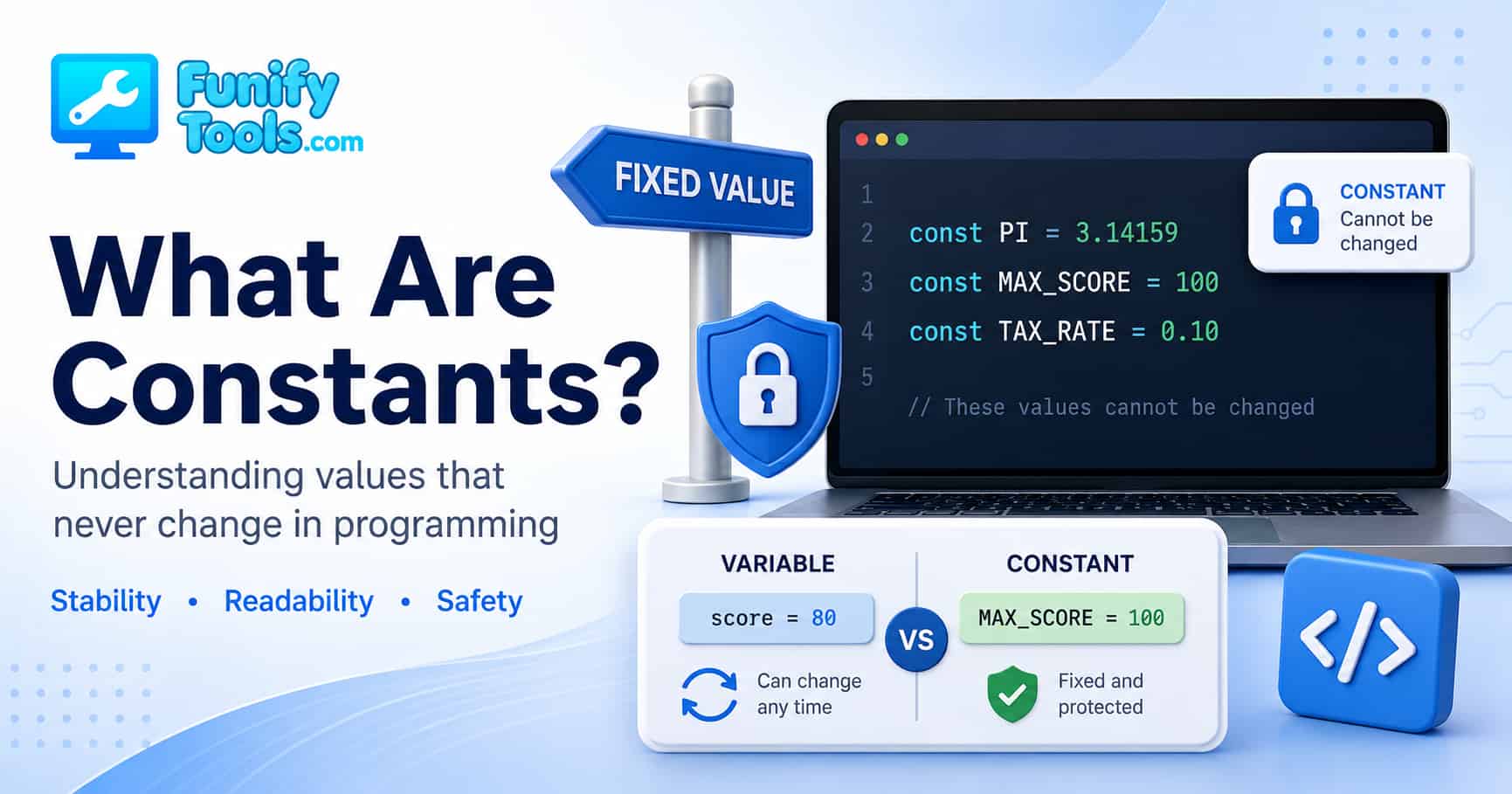
What Are Constants in Programming?
Hello everyone! 😊
Today, we’re going to talk about another small but important programming idea: the constant.
If you already understand what a variable is, constants are a nice next step. A variable is useful because its value can change. A constant is useful for the opposite reason: it gives you a value that is meant to stay the same.
That may sound simple, but constants show up everywhere once you start writing real code. They help make your code easier to read, harder to break by accident, and much nicer to update later. In a way, constants are not just about storing values. They are about telling yourself and other developers, “This value has a fixed meaning. Please do not casually change it.”
What Is a Constant?
In programming, some values are expected to change while a program is running. A player’s score changes. A shopping cart total changes. A timer changes. A username typed into a form changes depending on who is using the app.
But some values are different. They are not supposed to move around. They act more like fixed reference points.
For example:
- A year has 12 months.
- The mathematical constant π (pi) is commonly written as 3.14159.
- A perfect test score might be 100.
- A website might have a fixed maximum upload size.
- A game might have a fixed number of lives at the start.
These values may be used many times in a program, but their meaning is not supposed to change randomly. In programming, a value like that is called a constant.
The key idea is very simple: a constant is a named value that should remain fixed after it is defined.
Variable vs Constant
A good way to understand constants is to compare them with variables.

A variable is like a mailbox. You can put something inside it, take it out, and replace it with something else later. That is exactly why variables are so useful. They let your program remember information that can change over time.
score = 90
            score = score + 10
In this example, the value of score starts at 90. Then it changes to 100. That is normal variable behavior. The whole point of score is that it can go up or down as the program runs.
A constant, on the other hand, is more like a signpost. Once it is placed, the message on it should stay the same. You can read it from many places, but you are not supposed to rewrite it every few minutes.
PI = 3.14159Here, PI is being used as a fixed value. When someone sees PI in the code, they should immediately understand that it represents the value of pi. It is not a temporary number. It is not a value that should be adjusted depending on the user. It is a permanent reference.
So the difference is not just technical. It is also about intention.
- A variable says, “This value may change.”
- A constant says, “This value should stay the same.”
Why Use a Constant?
At first, constants can feel unnecessary. You might wonder why we do not just write the number directly wherever we need it.
For example, this works:
area = radius * radius * 3.14159The computer can calculate the result just fine. But for a human reader, the code is not as clear as it could be. If someone sees 3.14159 in the middle of a formula, they might guess that it is pi, but they have to stop and think for a moment.
Now compare it with this:
PI = 3.14159
            area = radius * radius * PI
This version is easier to read. The name PI tells you what the value means. You do not have to decode the number. The code explains itself a little better.
That is one of the biggest advantages of constants: they replace mystery values with meaningful names.
In programming, random-looking numbers written directly in the code are often called magic numbers. They are not “magic” in a good way. They are magic because nobody knows what they mean unless they already know the context.
price = total * 0.0825What is 0.0825? A discount? A tax rate? A service fee? A currency conversion? You cannot tell from the number alone.
This is clearer:
TAX_RATE = 0.0825
            price = total * TAX_RATE
Now the meaning is obvious. The program has not become more complicated. It has become more readable.
Constants Help Prevent Accidental Changes
Constants are also useful because they protect important values from being changed by mistake.
Imagine you are writing a grade calculator. The maximum score is supposed to be 100. If that number accidentally changes to 200, every percentage calculation becomes wrong.
MAX_SCORE = 100
            score = 85
            print(score / MAX_SCORE * 100)
In this example, MAX_SCORE has a clear purpose. It represents the highest possible score. By giving it a name, you make the code easier to understand. By treating it as a constant, you make it clear that this value should not be casually changed later in the program.
In many programming languages, constants can be enforced by the language itself. That means if you try to assign a new value to a constant, the program will complain or raise an error.
For example, in JavaScript, you might write:
const MAX_SCORE = 100;The word const tells JavaScript that MAX_SCORE should not be reassigned. If you later try to do this:
MAX_SCORE = 200;JavaScript will not allow it. That is a good thing. The error is not annoying; it is a warning sign that you are trying to change something that was supposed to stay fixed.
Other languages handle constants differently. Some enforce them strictly. Some rely more on naming conventions. For example, in Python, developers often write constant-style names in uppercase, like MAX_SCORE or DEFAULT_TIMEOUT, even though Python does not lock them in the same strict way. The uppercase name tells other developers, “Please treat this as a constant.”
Constants Make Updates Easier
Another practical reason to use constants is that they make updates much easier.
Suppose you are building a simple app that limits how many login attempts a user can make. You could write the number directly in several places:
if attempts > 5:
                lock_account()

            message = "You can try up to 5 times."

            remaining = 5 - attempts
This works for now, but it is fragile. What happens if you later decide that users should get only 3 attempts instead of 5? You have to search through the code and update every single place where that number appears. If you miss one, your program may say one thing and do another.
A constant makes this cleaner:
MAX_LOGIN_ATTEMPTS = 5

            if attempts > MAX_LOGIN_ATTEMPTS:
                lock_account()

            message = "You can try up to " + str(MAX_LOGIN_ATTEMPTS) + " times."

            remaining = MAX_LOGIN_ATTEMPTS - attempts
Now the value lives in one place. If the rule changes from 5 to 3, you update the constant once. The rest of the code follows that value automatically.
This is a small example, but the same idea matters a lot in larger projects. Real programs may have hundreds or thousands of lines of code. Without constants, important settings can become scattered everywhere. With constants, your code has a single source of truth.
Constants Give Your Code More Meaning
Good code is not only written for computers. It is also written for people.
The computer does not care whether you write 3.14159 or PI. It can handle both. But humans care. When you come back to your own code a month later, meaningful names save you time. When another person reads your code, meaningful names reduce confusion.
Compare these two examples:
total = price + price * 0.1And:
SERVICE_FEE_RATE = 0.1
            total = price + price * SERVICE_FEE_RATE
The second version is longer, but it is clearer. You do not have to guess what 0.1 means. The name tells you.
This is one of those programming habits that feels small in the beginning but becomes more valuable as your code grows. Clear names reduce mental effort. And reducing mental effort is a big part of writing maintainable code.
Common Places Where Constants Are Used
Constants are especially useful for values that describe rules, limits, labels, paths, or settings.
Here are a few common examples:
- Math values:
PI,GRAVITY,SECONDS_PER_MINUTE - Game rules:
MAX_LIVES,STARTING_HEALTH,BOARD_SIZE - App settings:
DEFAULT_LANGUAGE,MAX_UPLOAD_SIZE,ITEMS_PER_PAGE - Business rules:
TAX_RATE,FREE_SHIPPING_MINIMUM,MAX_DISCOUNT_PERCENT - System values:
API_BASE_URL,TIMEOUT_SECONDS,RETRY_LIMIT
In all of these cases, the constant does two jobs. It stores the value, and it explains what the value means.
That second job is easy to underestimate. Beginners often think code is only about getting the correct output. That matters, of course. But as your programs get larger, code clarity becomes just as important. A program that works today but is painful to understand tomorrow is still a problem waiting to happen.
How to Name Constants
A common convention is to write constants in uppercase letters, with underscores between words.
PI = 3.14159
            MAX_SCORE = 100
            DEFAULT_SIZE = 10
            TAX_RATE = 0.0825
This style makes constants easy to spot. When a developer sees MAX_SCORE or TAX_RATE, they immediately understand that the value is meant to be fixed.
The name should also be meaningful. A constant named A does not help much. A constant named MAX_USER is better, but MAX_USERS or MAX_USER_COUNT might be even clearer depending on the situation.
For example:
A = 10This does not tell us much.
MAX_USERS = 10This is much better. Now we know that 10 means the maximum number of users.
Good constant names should answer a simple question: “What does this value represent?” If the name answers that question clearly, you are probably on the right track.
When Not to Use a Constant
Constants are useful, but that does not mean every value needs to become one.
If a value appears only once and is obvious from context, turning it into a constant may not add much value. For example, writing a loop that runs 3 times for a tiny example does not always require a named constant.
The better question is: would naming this value make the code clearer or safer?
If the answer is yes, use a constant. If the value represents a rule, a limit, a setting, or a meaning that might be reused, a constant is usually a good idea.
If the value is just part of a very small, obvious calculation, it may be fine to leave it alone.
Like many programming habits, using constants well is about judgment. You do not need to turn every number into a giant label. You just want to avoid filling your code with unexplained values that future you will have to decode later.
A Simple Real-World Example
Let’s say you are making a small program that calculates the final price of an order. The store has a tax rate and a free shipping rule.
TAX_RATE = 0.08
            FREE_SHIPPING_MINIMUM = 50

            subtotal = 42
            tax = subtotal * TAX_RATE

            if subtotal >= FREE_SHIPPING_MINIMUM:
                shipping = 0
            else:
                shipping = 5

            total = subtotal + tax + shipping
This is not complicated code, but constants already make it easier to read. You can immediately tell what 0.08 means. You can also tell why 50 matters.
Now imagine the store changes its policy. Free shipping starts at 75 instead of 50. You do not need to hunt through the program. You update one line:
FREE_SHIPPING_MINIMUM = 75That is the quiet power of constants. They keep important values organized. They make rules visible. They reduce the chance of updating one part of the program and forgetting another.
Constants and Readability
One of the biggest beginner milestones in programming is realizing that code is read many more times than it is written.
You may write a line once, but you will probably read it again when you debug it, improve it, explain it, or reuse it. Someone else may also read it later. Constants make that reading process smoother.
Consider this:
if file_size > 10485760:
                show_error()
The code works, but the number is not friendly. What is 10485760? Is it bytes? Is it a limit? Why that exact number?
Now compare it with this:
MAX_UPLOAD_SIZE_BYTES = 10485760

            if file_size > MAX_UPLOAD_SIZE_BYTES:
                show_error()
The second version makes the purpose obvious. The number still exists, but it is no longer floating around without context.
This is why constants are not just a beginner topic. Professional developers use them constantly because they make large projects easier to maintain.
Summary
A constant is a value that is meant to stay the same after it is defined. While a variable gives your program flexibility, a constant gives your program stability.
The easiest way to remember the difference is this:
- Use a variable when the value needs to change.
- Use a constant when the value should stay fixed.
Constants are useful because they make code more readable, reduce accidental mistakes, and give important values a clear name. They are commonly used for mathematical values, fixed limits, configuration settings, business rules, and other values that should not be scattered around the code as unexplained numbers.
Once you start noticing constants, you will see them everywhere. They are small, but they make code feel cleaner and more intentional. Instead of writing the same mysterious value again and again, you give it a name, put it in one place, and let the rest of the program refer to it.
That’s it for today’s lesson on constants! When you write your own code, try looking for values that should not change. Those are often good candidates for constants.
In the next post, we’ll explore data types — the different kinds of values that variables and constants can store.
Thanks for reading, and happy coding! 😊
This article is also available in Korean: Read the Korean version