Hello, everyone.
It looks like IVE will be performing at INSPIRE Arena in Incheon tomorrow.
My child has been so excited about the concert that I have found myself getting excited too. I am not usually someone who follows concerts very closely, but seeing how happy my child was naturally made me more interested.
That is how I eventually ended up traveling to K-Mecca in Myeongdong to buy an official IVE light stick.
At first, I simply thought, “I should get one for the concert.” Once I actually held it, however, I was surprised by how well made it was. It felt less like a plastic object that you wave in the air and more like a carefully designed electronic device.
As someone who normally writes about IT, I could not resist taking a closer look at how it might work.
IVE Official Light Stick Ver. 2
The first thing you notice is the design.
The IVE logo sits inside a transparent globe, with parts of the internal structure subtly visible. It feels more like a decorative object than an ordinary plastic concert accessory. The colors are restrained, and the light diffuses softly through the globe.
Like many modern K-pop light sticks, it has a surprisingly polished finish.
My child immediately wanted to switch it on. When you see that kind of reaction, the rather painful price begins to feel slightly more justifiable.
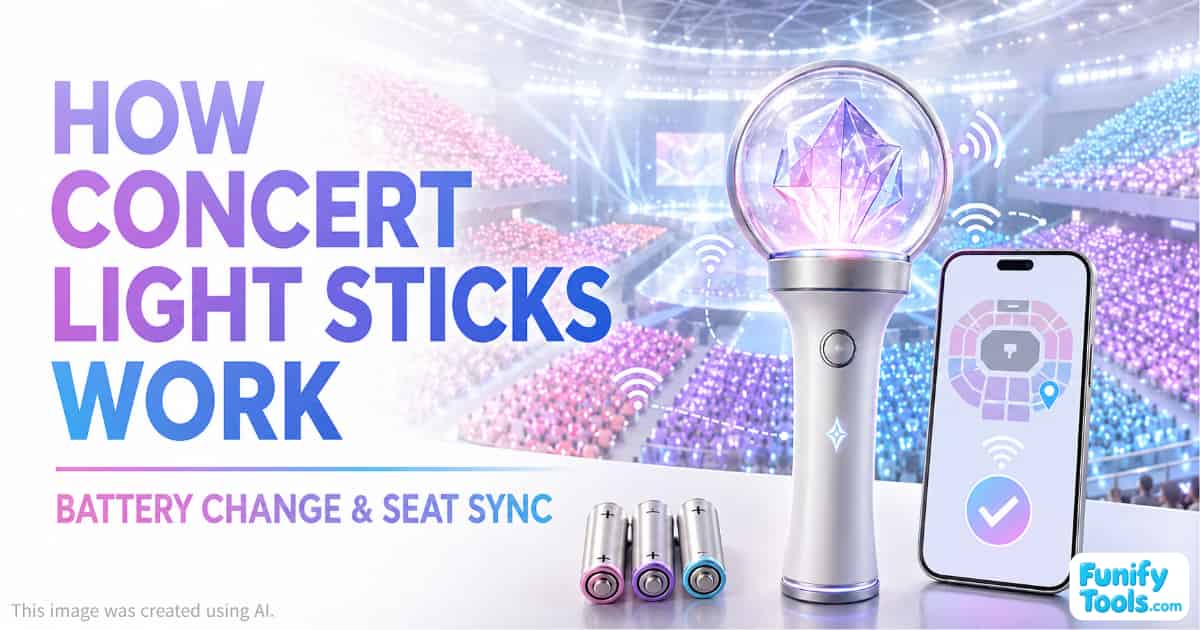
It Uses Three AAA Batteries
The basic configuration is fairly simple. The light stick runs on three AAA batteries rather than a built-in rechargeable battery.
That surprised me a little because rechargeable devices have become so common. I later discovered that a separate rechargeable battery accessory is available. Considering the light stick costs around 90,000 won, it would have been nice if that had been included.
Still, replaceable batteries have one important advantage: you can install a fresh set immediately before the concert and use the light stick without worrying about whether you remembered to charge it.
Low battery power could cause the light stick to stop working or lose synchronization during the performance. That would be particularly disappointing during an important stage or audience lighting sequence.
For that reason, replacing the batteries with a fresh set the day before the concert may be one of the most important preparations.
Bringing an additional set of spare batteries would also be sensible.
The Key Features: Wireless Communication and Venue Synchronization
From an IT perspective, the most interesting features are the light stick's wireless communication and concert synchronization functions.
The user installs the official app on a smartphone, connects the light stick and enters or registers the seat information. The process appears to be similar to pairing an ordinary Bluetooth device.
However, the connection is not simply intended to let the user choose a color manually.
During the concert, a central control system can coordinate thousands of light sticks so that their colors, brightness levels and flashing patterns change together. This allows the entire audience to function like one enormous display.
Different seating sections can illuminate in different colors, and patterns can move across the arena in time with the music.
After reading the instructions, I began to understand how the impressive audience-lighting sequences seen in concert videos might be produced.
The exact wireless protocol and control architecture used by the official system are not publicly explained in detail, so the following is a technical interpretation rather than a confirmed internal specification.
Three Possible Levels of Control
The light stick can be understood as operating through three general levels of control.
1. Local Control
The device almost certainly contains a small microcontroller, or MCU, that manages its basic functions.
When the user presses a button, the controller changes the LED color or activates a built-in flashing pattern. In this mode, the light stick can function as a simple standalone LED device without an external connection.
The basic process would be:
Button input → MCU processing → LED output
2. Smartphone Communication
When connected to the official mobile app, the light stick behaves more like a small IoT device.
The smartphone may be used for initial pairing, device registration, seat information and supported user settings. Depending on the app's features, it may also allow the user to test the light or control certain effects outside the concert venue.
This does not necessarily mean that the smartphone controls every color change during the actual performance. Its primary role may be to prepare the light stick and associate it with the correct concert and seat.
3. Central Concert Control
This is the most interesting part of the system.
During the concert, venue equipment sends synchronized control signals to the audience's light sticks. Each device receives those signals, interprets the instructions through its internal controller and changes its LEDs at the appropriate time.
When seat information is linked correctly, different light sticks can display different colors or patterns according to their location.
This is how an arena filled with thousands of individual devices can appear to behave like a single giant screen.
A Simplified Light Stick System
The overall structure can be understood like this:
Central control system
↓
Venue transmitters
↓
Wireless synchronization signals
↓
Thousands of independently receiving light sticks
The important point is that thousands of light sticks are unlikely to be connected to one audience member's smartphone during the performance.
Instead, venue transmitters distribute control signals across the arena, and each light stick receives and processes the appropriate instructions independently.
That broadcast-style structure makes it possible for thousands of devices to change color at almost exactly the same moment.
The smartphone's role is likely to be closer to initial setup and seat registration than continuous real-time control throughout the concert.
What Happens Inside the Light Stick?
The light stick's internal process can be simplified as follows:
External signal → Internal MCU → LED output
The microcontroller receives a command, interprets it and controls the LEDs accordingly.
In that sense, the light stick is not fundamentally different from a small embedded system. What makes it impressive is the scale: thousands of these devices operate simultaneously as part of a coordinated visual production.
A useful way to summarize its role is:
The light stick is not the main controller. It is a display device that receives and presents instructions from a larger control system.
That is what turns an ordinary concert accessory into part of the stage production.
Will Seat Pairing Remain After Changing the Batteries?
This is probably one of the most practical questions for anyone preparing for the concert.
If the batteries run out during the performance and you replace them, will you need to enter your seat information again?
I have not personally tested the light stick at the concert yet, and the manufacturer does not appear to publicly document every part of the internal system. The answer therefore depends on how seat information is stored in this particular version.
There are several technically possible designs.
The seat assignment could be stored:
- In the smartphone app or the event's central system
- In non-volatile memory inside the light stick
- Through an identifier that allows the system to restore the association
- As temporary pairing information that must be synchronized again after power loss
If the seat data is stored in the app, central system or non-volatile memory, removing the batteries should not erase it. Changing the batteries would simply restart the light stick's controller.
In that case, the likely process would be:
Replace the batteries → Turn the light stick back on → Wait for reconnection or synchronization
However, if some temporary connection information is stored only while the device is powered, the app may need to reconnect to the light stick after the batteries are replaced.
The exact behavior may also vary depending on the venue's operating method. If the light stick automatically synchronizes with the concert system without requiring the app during the show, it may only need a few seconds after restarting to receive the venue signal again.
Therefore, it seems unlikely that the user would need to enter all seat information again, but that cannot be guaranteed without confirmation from the official manual, app or on-site support team.
The safest solution is to avoid needing a battery replacement during the concert in the first place.
Concert Preparation Checklist
Here is the checklist I would personally recommend.
Before the Concert
- Install three fresh AAA batteries.
- Bring one additional unopened set of spare batteries.
- Install or update the official app.
- Check the Bluetooth connection in advance.
- Complete any available concert and seat registration.
- Test the light stick in its normal self-control mode.
- Confirm that the LEDs, buttons and battery contacts are working correctly.
- Check the official concert notice for venue-specific pairing instructions.
During the Concert
- Avoid turning off the light stick unnecessarily.
- Minimize unnecessary button presses after synchronization.
- Follow instructions from the venue staff and official app.
- If the batteries must be replaced, turn the light stick back on and allow time for it to resynchronize.
- Ask the light stick support booth for assistance if the lighting effects do not return.
After the Concert
- Remove the batteries before storing the light stick for an extended period.
- Keep it in a dry place.
- Removing the batteries helps prevent damage from battery leakage.
More Than Just a Piece of Merchandise
To a child, it may simply be a beautiful light stick.
From an adult IT enthusiast's perspective, however, it looks like a compact device participating in a large distributed control system.
It combines LEDs, wireless communication, embedded control and seat-based synchronization to extend the concert experience beyond the stage. The audience itself becomes part of the visual production.
That makes the IVE Official Light Stick Ver. 2 more than ordinary merchandise. It is an interesting example of technology and entertainment working together.
Once my child returns from the concert tomorrow, I plan to ask how the synchronization worked in the arena. Seeing a video recorded from the actual seat should make the system much easier to understand.
At this point, I may be looking forward to testing the technology even more than my child is looking forward to the concert.
Thank you for reading, and have a wonderful day!
This article is also available in Korean: Read the Korean version