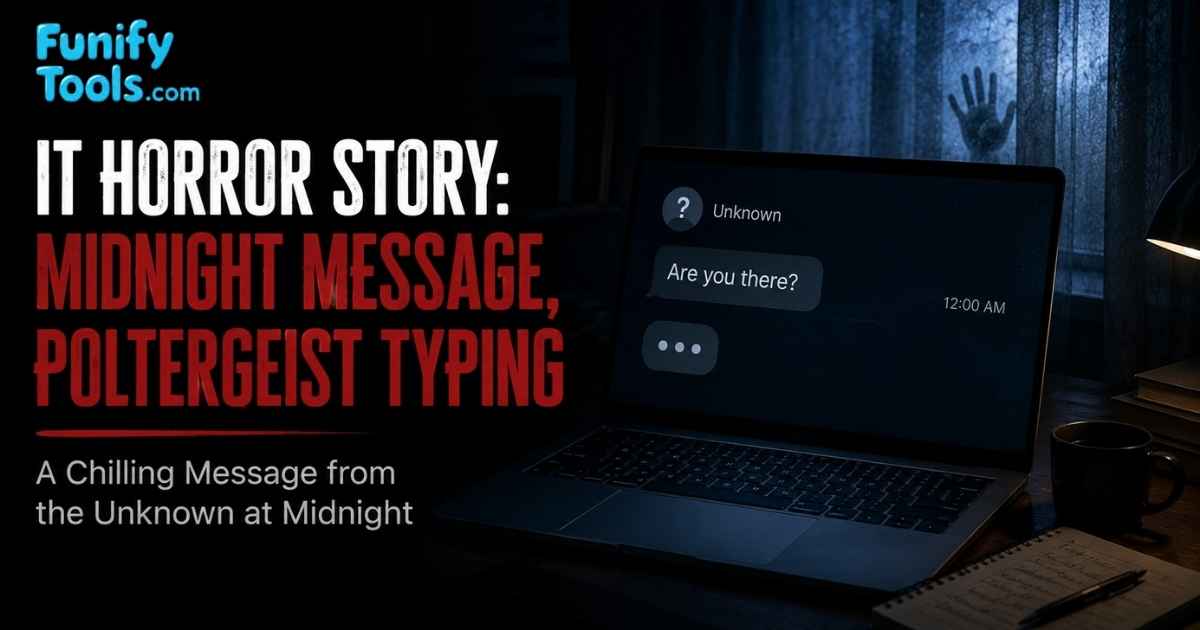
At 2:13 a.m., the keyboard began typing without anyone touching it. The message was short: "I know you are still awake." It felt supernatural, but the real possibilities were more unsettling: a failing keyboard, a hidden macro, or someone controlling the computer from far away.
The Midnight Message
Minho had been working late in his apartment, finishing a presentation due the next morning. Rain tapped against the window, and the only light in the room came from his monitor. The building was quiet in that particular way apartments become quiet after midnight, when even the elevator sounds too loud.
At 2 a.m., he saved the file, closed the presentation, and opened a blank document to write a final reminder for himself. It was supposed to be a simple note: print slides, check USB drive, leave early. The cursor blinked on the white page, waiting.
Before he touched the keyboard, a single letter appeared.
h
Then another.
he
Minho pulled both hands away. The cursor continued moving.
hello
He stared at the screen and laughed nervously. A stuck key, he thought. Maybe the wireless keyboard battery was dying. Maybe he had accidentally triggered voice typing, or maybe some half-forgotten shortcut was repeating text.
He switched the keyboard off. The typing stopped.
For five seconds.
Then a new sentence appeared, one character at a time:
I know you are still awake.
The keyboard was still off.
That was the moment the situation stopped feeling like a computer problem and started feeling personal. Random letters are annoying. A complete sentence feels intentional. It feels like someone, or something, is on the other side of the screen.
A Reply From an Empty Room
Minho unplugged the keyboard receiver. He checked the desk, the floor, and the dark hallway behind him. Nothing moved. The apartment remained ordinary: a chair, a mug, a pile of papers, the soft sound of rain.
When he turned back, the document contained another line:
Do not turn around again.
His first instinct was to shut down the computer, but fear made him hesitate. If this was a prank, who was doing it? If it was malware, what else could the attacker see? His files? His webcam? His saved passwords? The more practical the questions became, the more frightening the answer felt.
He covered the webcam with his thumb, disconnected the network cable, and disabled Wi-Fi. The cursor froze. No more letters appeared.
That silence was almost worse. It suggested the message had not come from a ghost in the room. It had come through the network.
Minho did not sleep much after that. He left the laptop closed on the table and kept glancing at it as if the lid might open by itself. By morning, the room looked normal again, which somehow made the night feel even stranger.
The Morning Investigation
The next morning, Minho brought the laptop to a security technician. The investigation found two separate problems. First, the wireless keyboard had a damaged switch that sometimes produced repeated keystrokes. That explained the first stray letters. But it did not explain the complete sentences.
The second problem did. A free screen-recording program Minho had downloaded days earlier had installed an unwanted remote access component. It started automatically with Windows, connected to an outside server, and allowed another person to control the mouse and keyboard. The midnight message was not paranormal activity. It was a stranger using fear as entertainment.
Nothing valuable had been stolen, as far as the technician could confirm. Still, the experience changed how Minho treated every unusual computer behavior. A machine that types by itself is not something to ignore.
What made the incident memorable was the combination of two problems. One harmless hardware issue made the first letters appear. Then a serious security issue turned that confusion into fear. In real troubleshooting, this happens more often than people expect: one symptom can have more than one cause.
Why Can a Computer Type by Itself?
The phrase poltergeist typing describes text appearing without obvious user input. Most cases have an ordinary technical explanation. Some are harmless hardware faults, while others can indicate a serious security compromise.
The important thing is to notice the pattern. Random repeated letters usually point toward hardware or input-device trouble. Meaningful sentences, commands, opened windows, or mouse movement can point toward automation or remote access. The difference matters because the response should be different.
1. A Stuck or Failing Keyboard
Dust, liquid damage, worn switches, and low wireless-keyboard batteries can create random or repeated input. A damaged key may produce the same character many times, and a faulty keyboard controller can generate several different keystrokes. Disconnecting every external keyboard is the fastest first test.
Spilled drinks are a common cause. A key may seem dry on the surface, but residue under the switch can keep triggering input. Old membrane keyboards can also wear unevenly, especially around frequently used keys like space, enter, shift, or common letters.
If the problem disappears after replacing or disconnecting the keyboard, the cause is probably physical. That is the least dramatic explanation, but it is also the easiest one to test.
2. Wireless Interference or Another Paired Device
Bluetooth keyboards and USB wireless receivers can behave strangely when pairing information is confused or when another nearby device connects unexpectedly. Review the list of paired Bluetooth devices, remove anything unfamiliar, and pair the keyboard again using a secure connection.
Shared offices, classrooms, and homes with many wireless devices can make this more confusing. A keyboard that was once paired with another computer, a receiver plugged into the wrong machine, or an old tablet waking from sleep can create input that feels unexplained.
This is one reason it helps to name Bluetooth devices clearly and remove old pairings. The less cluttered the device list is, the easier it is to identify what belongs.
3. Macros, Accessibility Features, and Automation
Macro tools, text expanders, voice typing, accessibility software, browser extensions, and scheduled scripts can insert text automatically. Sometimes the user created the automation months earlier and forgot about it. Check startup applications, browser extensions, task schedulers, and recently installed utilities.
Automation is not bad by itself. It can save time by expanding abbreviations, filling forms, renaming files, or entering repeated phrases. The problem begins when automation runs at the wrong time, in the wrong app, or without the user remembering that it exists.
Voice typing can also surprise people. A microphone picking up sound from a video, meeting, or speaker may convert speech into text if dictation is active. It may look as if the computer is thinking, when really it is just listening.
4. Driver or Operating System Problems
A corrupted keyboard driver or operating system glitch may repeat input or make controls appear unresponsive. Restarting the device, installing updates, and testing in Safe Mode can help separate a software problem from a physical keyboard fault.
Drivers act as translators between hardware and the operating system. When that translation layer breaks, input can become strange: repeated keys, missing keys, delayed response, or shortcuts firing unexpectedly. These issues are usually less frightening than malware, but they can still interrupt work badly.
If the problem only appears after a recent update, driver installation, or new device connection, that timing is a clue. Rolling back a driver or testing with another keyboard can help narrow it down.
5. Remote Access Software or Malware
This is the most serious possibility. Legitimate remote desktop tools let another person control a computer with permission. A remote access trojan, or RAT, provides similar control without meaningful consent. An attacker may type messages, open files, activate the webcam, copy passwords, or install more malware.
Remote access is especially unsettling because it turns the computer into a shared space without the owner realizing it. The attacker does not need to be in the room. They only need a working connection, a running tool, and enough access to send input.
Sometimes this starts with a fake support call. Sometimes it comes from pirated software, suspicious installers, cracked games, fake screen recorders, browser extensions, or malicious attachments. The program may look harmless while quietly opening a door in the background.
What to Do If Your Computer Starts Typing by Itself
- Disconnect from the internet. Turn off Wi-Fi, unplug Ethernet, and disable mobile tethering to interrupt possible remote control.
- Disconnect input devices. Unplug external keyboards, wireless receivers, game controllers, drawing tablets, and other devices that can send input.
- Record what happened. Take a photo or video with another device and note the time, open apps, and text that appeared.
- Run trusted security scans. Use the operating system's security tools and a reputable second-opinion scanner.
- Review installed and startup apps. Remove unknown remote access, macro, screen-sharing, or automation software.
- Change important passwords from a clean device. Start with email, password managers, financial accounts, and cloud storage, then enable two-factor authentication.
- Check account activity. Review recent logins, connected apps, recovery emails, and security alerts for important services.
The order matters. If remote control is possible, disconnecting from the internet comes first. Do not spend ten minutes searching menus while someone else may still be connected. Cut the connection, then investigate.
Warning Signs of Remote Computer Access
- The mouse moves or windows open without your input.
- Complete, meaningful sentences appear rather than random repeated characters.
- The behavior stops immediately when the internet connection is disabled.
- Unknown remote desktop software appears in installed apps or startup items.
- The webcam light, microphone indicator, or account login alerts activate unexpectedly.
- Security settings are changed or antivirus protection is disabled without permission.
- Files are opened, copied, renamed, or deleted when you are not using the computer.
One warning sign alone does not prove an attack, but several together should be treated seriously. A failing keyboard does not usually open folders, move the mouse, and disable security tools. Patterns tell the story.
How to Prevent Poltergeist Typing
Download software only from trusted sources, keep the operating system and applications updated, and avoid opening unexpected attachments. Use unique passwords and two-factor authentication, especially for email and cloud accounts. Regular backups are also essential because a remote intruder may delete or encrypt files after gaining access.
For remote support, use well-known tools only when needed, require a fresh access code, and close or uninstall the software afterward. Never grant control to an unsolicited caller claiming to be technical support.
It is also worth keeping your physical workspace simple. Remove unused USB receivers, label devices, clear old Bluetooth pairings, and replace unreliable keyboards. Good security is not only about antivirus software. It is also about reducing confusion so that strange behavior is easier to recognize.
The Real Horror Is Losing Control
A computer typing a midnight message makes an effective ghost story because the keyboard is supposed to obey us. When words appear without our hands, the machine suddenly feels alive. In reality, the cause is usually hardware, automation, or another human being.
That explanation should not make the event less serious. Random letters may be a broken key. A complete sentence may be evidence that someone else has access. Stay calm, disconnect the device, preserve evidence, and investigate before continuing to use it.
The real horror is not that a machine can type. It is the feeling that control has quietly moved from your hands to someone else's. That is why even a strange little symptom deserves attention.
Ghosts may belong to stories. Unauthorized access belongs in an incident report.
This article is also available in Korean: Read the Korean version