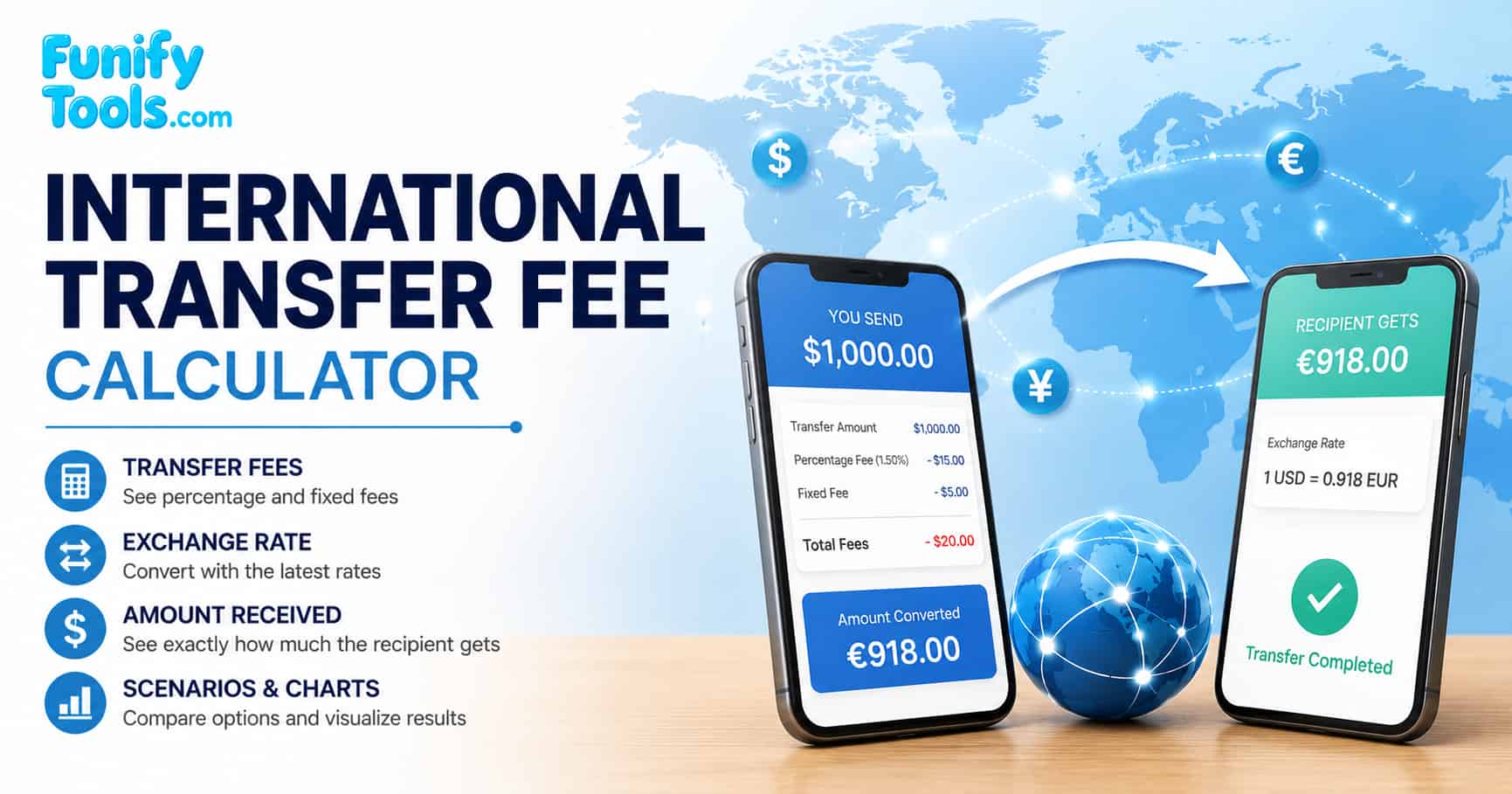
What this tool actually measures
Sending money across borders feels simple: pick an amount, pick a country, hit send. Behind that one button are several cost layers stacked on top of each other, and many people never see all of them before confirming a transfer. International wire transfers, peer-to-peer remittance apps, and digital payment platforms all apply different fee structures that vary by provider, currency pair, and transfer speed. Understanding each cost layer is essential for anyone who regularly sends money abroad for family support, business payments, e-commerce settlements, or personal travel.
This calculator strips the problem down to its measurable core. You give it a transfer amount, source and destination currencies, a percentage fee, and a fixed fee. It pulls the latest Frankfurter reference rate from a public API and shows a baseline estimate before provider-specific margins or extra bank charges. Then you can compare that number with the quote from your bank or transfer app. The gap can reveal the cost of exchange rate margins, routing choices, and other charges that are not always shown as a separate fee. The difference between a neutral reference rate and the rate your provider offers is often called the exchange rate margin, and it can be one of the largest hidden costs in international transfers.
If you want to dig deeper into how providers mask their real prices, search for international transfer fee comparison and compare the advertised fee with the final amount the recipient receives. Many providers advertise "zero fees" but embed a large margin in the exchange rate, making it difficult to compare offers at a glance.
The math behind international transfer fees
The calculator only needs a few moving pieces. First it converts the amount you send into the destination currency. Then it subtracts the percentage fee and the fixed fee after converting that fixed fee into the destination currency. The most important formulas are the ones that explain those three steps.
Transfer amount * Exchange rate
Percentage fee + Converted fixed fee
Gross conversion - Total fees
Inside the total fee line, the percentage fee is calculated from the converted amount, and the fixed fee is converted from the source currency using the same exchange rate. If you want one comparison number, divide the amount received by the original transfer amount. That gives the real delivered rate, which is useful when two providers structure their fees differently.
For example, suppose you send $2,000 from the United States to a recipient in Europe. The mid-market rate is 0.92 EUR per USD, but your bank quotes 0.90 EUR per USD and charges a $15 flat fee plus a 1% transfer fee. The gross conversion is $2,000 × 0.90 = 1,800 EUR. The percentage fee is 18 EUR, and the fixed fee converts to 13.50 EUR, so total fees are 31.50 EUR. The recipient receives 1,768.50 EUR. Dividing that by the original $2,000 gives a real delivered rate of 0.88425 EUR per USD, about 3.9% worse than the mid-market rate.
The anatomy of a transfer
An international transfer can carry several cost components. Some are visible on the quote screen, while others are reflected in the exchange rate or deducted later by banks in the payment chain. Recognizing each component is the first step toward reducing your total transfer cost.
- The headline fee. This is what the provider calls their "transfer fee" - usually a fixed dollar amount or a percentage, sometimes both. It is the only number many people compare. On larger transfers, however, the exchange rate margin can matter more than the visible fee.
- The rate margin. Your provider may not use the mid-market rate. They buy currency at one price and sell it to you at another. A 2% spread on a $10,000 transfer costs about $200, which can matter more than a $15 headline fee. Learning how to identify the rate margin is one of the most valuable skills for reducing transfer costs.
- The correspondent chain. Your money may not move directly from your bank to the recipient's bank. Some transfers pass through intermediary banks, and those banks may deduct a fee before the money arrives. SWIFT transfers that pass through multiple correspondent banks are especially prone to these deductions.
- The receiving end. The recipient's bank may charge an incoming wire fee. If your recipient's account is in a third currency, their bank performs another conversion at its own rate, adding a second margin on top of the first. Always ask the recipient what fees their bank charges for receiving international wire transfers.
Before choosing a provider, search for money transfer exchange rate margin explained and compare the explanation with the rate shown in your actual quote. The wording varies by provider, but the cost usually appears as a weaker exchange rate rather than a separate line item. Understanding this distinction alone can save you hundreds of dollars on larger transfers.
| Quote item | Why it matters | Question to ask |
|---|---|---|
| Recipient gets amount | This is the clearest total-cost metric because it includes rate impact and visible fees. | Is this amount guaranteed, or can banks deduct more later? |
| Exchange rate expiry | Quotes can expire quickly when FX markets move, especially for volatile currencies. | How long is this exact rate locked? |
| Intermediary fees | Correspondent bank deductions can reduce the final delivery amount after the transfer is sent. | Are intermediary and receiving bank fees included? |
| Delivery method | SWIFT wires, local rails, card payouts, and wallet transfers can have different costs and speeds. | Which payment rail will this transfer use? |
The exchange rate illusion
Most people fixate on the fee because it's printed in bold on the confirmation screen. The exchange rate is often shown in smaller text, sometimes labeled "today's rate" without a clear comparison to the mid-market rate. That makes it harder to see whether the exchange rate itself is carrying part of the cost.
Here's a test you can run with this calculator: note the reference rate it displays. Then open your bank or transfer app, start a transfer for the same amount and currency pair, and look at the rate they quote. If the provider rate is 1.5% weaker than the reference rate, that spread costs about $75 on a $5,000 transfer, even if the app says "Fee: $0." This practice is sometimes called rate markup pricing, and it is legal in many places as long as the exchange rate is disclosed.
Some providers mark up the rate more aggressively outside business hours, on weekends, or when markets are volatile. The rate you see at 10 PM on a Saturday can be worse than a weekday quote because providers may add a buffer while the underlying market is less active. For large transfers, waiting until a weekday during market hours can save a meaningful amount of money. To research how different providers handle weekend pricing, search for weekend exchange rate markup transfer and compare the weekend rates with weekday reference rates.
The small transfer trap
Transfer fees do not scale evenly. A $25 fixed fee eats 25% of a $100 transfer but only 0.25% of a $10,000 transfer. This creates a weird quirk: the "cheapest" provider for a $200 remittance is often not the cheapest for a $20,000 business payment, and vice versa. Understanding this scaling effect is critical for choosing the right provider for your specific transfer size.
A rough rule of thumb: under $500, pay close attention to the fixed fee. Between $500 and $5,000, balance the fixed fee against the rate margin. Above $5,000, the exchange rate spread often becomes the main cost driver. The table below provides a more detailed breakdown of how the dominant cost shifts as your transfer amount grows.
| Transfer size | Dominant cost | What to compare |
|---|---|---|
| $50 to $500 | Fixed fees | Keep the flat fee low. Digital apps often beat banks here. |
| $500 to $5,000 | Mixed: fixed + margin | Compare total delivered amount, not any single number. |
| $5,000 to $50,000 | Exchange rate margin | A 0.5% better rate saves $250 on $50k. Ask whether a better rate is available. |
| $50,000+ | Rate margin + negotiation power | Contact the provider directly and compare specialist FX quotes. |
Why the currency corridor changes everything
Not all currency pairs are created equal. USD to EUR moves through deep, liquid markets with razor-thin spreads. USD to NPR (Nepalese Rupee) or MXN to KES (Kenyan Shilling) may route through multiple intermediary currencies, each hop layering on a conversion margin. The specific currency corridor you are using has a massive impact on the total cost of your transfer.
Common corridors such as USD/EUR, USD/GBP, EUR/CHF, and AUD/NZD enjoy high competition and tighter spreads. Exotic corridors involving restricted or thinly traded currencies often pass through a "vehicle currency" like USD or EUR before reaching the destination, effectively doubling the conversion cost. For example, sending Thai Baht to Philippine Pesos may route through USD, incurring two separate exchange rate margins. To check the competition level and typical pricing, browse comparisons on best money transfer provider by currency pair.
| Currency corridor | Illustrative spread range | Liquidity level | Best provider type |
|---|---|---|---|
| USD → EUR | 0.3% to 1.0% | Very high | Digital apps and FX specialists |
| USD → GBP | 0.4% to 1.2% | High | Digital apps and FX specialists |
| EUR → PLN | 0.5% to 1.5% | Moderate | Digital apps and local banks |
| USD → INR | 0.8% to 2.5% | Moderate | Specialized remittance platforms |
| USD → PHP | 1.0% to 3.0% | Moderate | Digital apps and remittance services |
| USD → NGN | 2.0% to 5.0% | Low | Specialized African remittance services |
| GBP → AUD | 0.5% to 1.5% | High | FX specialists and digital apps |
| JPY → KRW | 1.0% to 2.5% | Moderate | Asian-focused digital platforms |
| Provider type | Wins on | Weak on |
|---|---|---|
| Digital apps (Wise, Revolut, etc.) | Major corridors under $10,000; mid-market rate transparency | Exotic pairs where they lack direct liquidity; very large amounts above platform limits |
| Traditional banks | Same-bank global transfers; relationship pricing for high-net-worth clients | Many everyday transfers where rates, fixed fees, or intermediary deductions are less transparent |
| FX specialists (OFX, XE, etc.) | Amounts above $5,000; business payments; recurring transfers with forward contracts | Account setup friction; minimum transfer thresholds; limited exotic pairs |
| Peer-to-peer marketplaces | Common pairs with active user bases; bypassing the banking system entirely | Liquidity dry-ups for uncommon routes; speed depends on matching |
Timing is money, literally
The foreign exchange market moves across global sessions during the business week, and your transfer's cost can change depending on when you press send. The timing of your transfer can affect both the exchange rate you receive and the speed at which funds arrive.
- Weekday business hours (London/New York overlap, roughly 13:00 to 16:00 UTC): often the deepest liquidity for major USD, EUR, and GBP pairs. If your transfer is large, it is worth comparing quotes during this window.
- Weekends and bank holidays: the underlying interbank market is closed. Providers may widen rates to cover the risk of Monday's open. A Friday-evening transfer can arrive with a worse rate than a weekday quote, depending on the provider and currency pair.
- Volatility events: central bank announcements, election results, and major economic data releases can widen spreads quickly. If your transfer isn't urgent, wait for the dust to settle before comparing provider quotes.
- Forward contracts: if you make regular transfers and your provider supports it, lock a rate today for a transfer next month. You trade flexibility for certainty, and on large amounts, the rate might be better than what's available later.
| Currency pair | Useful comparison window (UTC) | Reason | Illustrative spread range |
|---|---|---|---|
| USD/EUR, USD/GBP | 13:00 - 16:00 UTC | London/New York overlap, often strong liquidity | 0.2% to 0.5% |
| USD/JPY, USD/AUD | 00:00 - 06:00 UTC | Asian session activity and early London pricing | 0.3% to 0.7% |
| EUR/CHF, EUR/GBP | 07:00 - 12:00 UTC | European business hours and active regional pricing | 0.2% to 0.6% |
| USD/BRL, USD/MXN | 12:00 - 18:00 UTC | New York and Latin American market overlap | 0.8% to 2.0% |
| All exotic pairs | Avoid weekends and holidays | Low liquidity leads to aggressive rate padding | 1.5% to 5.0% on weekends |
What to do next
- Run the numbers here first. Use the scenario comparison tool to model 2-3 different fee structures side by side. The scenario comparison feature lets you save up to four different transfer configurations and compare them in a single table.
- Get an actual quote from at least two providers for the same amount and same currency pair. Compare the "recipient gets" line, not the advertised fee line. The difference between quotes can be 2-5% or more on the same corridor.
- Ask one question before you confirm any transfer: "What is the exact amount the recipient will receive, in their local currency, after all deductions?" If the provider cannot guarantee that number, allow room for possible intermediary or receiving bank deductions.
- For recurring transfers, ask about forward contracts, limit orders, and rate alerts. Set them up once and stop checking rates every month. Many FX specialists offer automated recurring transfer options with preferential rates.
- If your transfer is large, consider asking whether a better rate is available. Online quotes often use standard retail pricing, while some banks and FX specialists may adjust pricing for larger amounts or repeat customers.
- Bookmark this calculator and use it as a benchmark. The reference rate plus your known fees is your floor. Any provider quote worse than that number is a margin you can negotiate or avoid. Regular use of this tool will help you develop an intuition for fair pricing across different corridors and transfer sizes.