How the game works
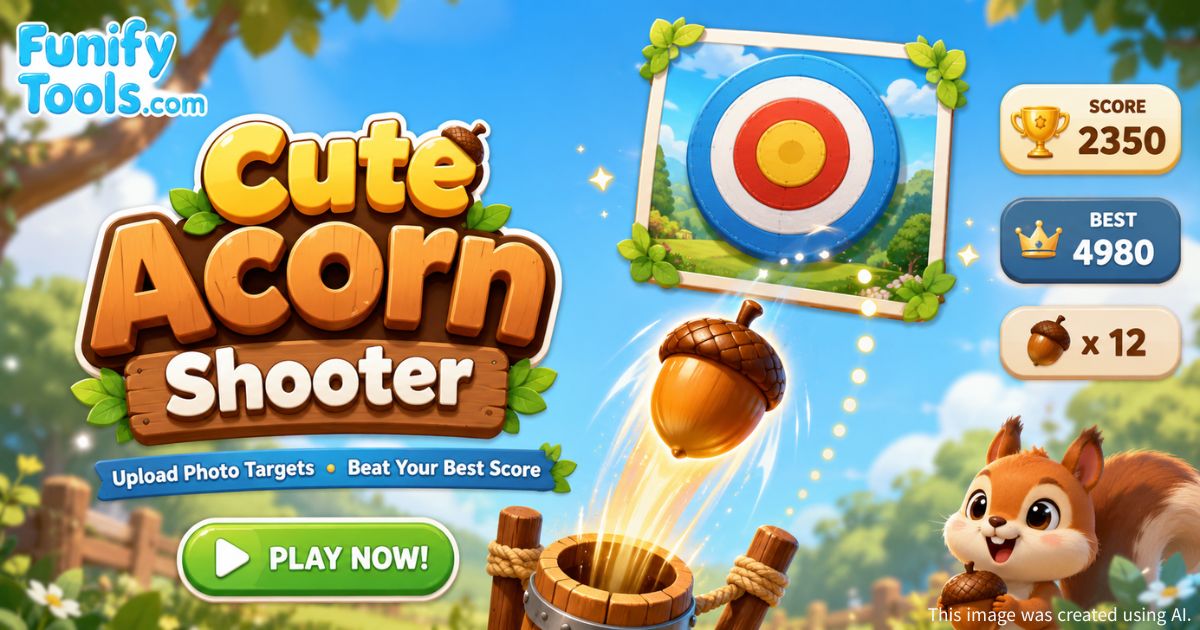
Cute Acorn Shooter is a browser-based acorn shooting timing game where you launch an acorn from a cute animal shooter at the bottom of the canvas and try to hit a moving target near the top. The wider vertical distance between the shooter and the target makes each shot feel more dynamic, while the carefully scaled character and target sizes keep the full action visible on both desktop and mobile screens. The game uses the HTML5 Canvas API for smooth real-time rendering and relies entirely on client-side JavaScript — no server communication is required for gameplay.
This type of timing-based arcade game is often compared to classic carnival shooting galleries and balloon dart games, but with a digital twist: the target speed increases gradually the longer you survive, raising the difficulty and rewarding players who can adapt their reaction time. If you enjoy precision-based browser games, you might also like other browser timing games that test hand-eye coordination.
Scoring model
The scoring system is designed to reward accuracy. Each hit is evaluated based on how close the acorn lands to the center of the target. The closer the hit, the higher the score:
- 10 points — Center hit (perfect timing)
- 8 points — Near center (excellent timing)
- 6 points — Mid range (good timing)
- 4 points — Outer ring (fair hit)
- 2 points — Edge contact (barely connected)
Missing the target entirely costs one life. With only five lives per round, patience and careful timing usually produce better results than rushing shots. The game uses localStorage to persist your best score across browser sessions, so you can always come back and try to beat your personal record. For more on how browser storage works, see localStorage Web Storage API.
Mobile play tips
On mobile devices, the game canvas is positioned at the very top of the page so you can start playing immediately without scrolling past the guide. The canvas height adjusts automatically on smaller screens, and touch input is fully supported via the pointerdown event — just tap anywhere on the canvas to fire an acorn upward.
For better results on mobile:
- Wait for a predictable rhythm in the target’s horizontal movement before taking your first shot.
- Tap slightly before the target reaches the center line, because your reaction time adds a small delay.
- Use a custom photo with high contrast as the target to make it easier to track visually.
Strategy tips for higher scores
As the target speed gradually increases over time, you need to anticipate rather than react. Here are some proven strategies to maximize your score:
| Accuracy zone | Distance from center | Points awarded | Feedback message |
|---|---|---|---|
| Bullseye | Less than 18% of target radius | 10 | “Perfect!” |
| Inner ring | 18% – 38% of target radius | 8 | “Awesome!” |
| Mid ring | 38% – 58% of target radius | 6 | “Great!” |
| Outer ring | 58% – 82% of target radius | 4 | “Nice!” |
| Edge | 82% or more of target radius | 2 | “Nice!” |
Key strategic takeaways:
- Early rounds are for building score. When the target speed is still low, focus on bullseye hits (10 points each) to build a strong base score before the difficulty ramps up.
- Adapt your lead time. As speed increases, you need to fire earlier. A good rule of thumb is to shoot when the target is about one target-width away from the center line.
- Custom targets can help or hinder. Uploading a high-contrast image (like a bright logo or a pet photo) can make the target easier to track. Experiment with different images to find what works best for your visual perception.
- Stay calm after misses. Losing a life can be frustrating, but rushing the next shot often leads to another miss. Take a breath and wait for a clear window.
For additional reading on improving reaction time for gaming, check out this guide to improving reaction time for gaming.
Privacy note
Uploaded images are handled entirely locally inside the browser session using the FileReader API and are never transmitted to any server. The image data is stored only in memory as a JavaScript Image object and is discarded when you close the page or clear the image. This makes it safe and private to experiment with funny portraits, pet photos, custom icons, or logos as your target image.
The only data that persists between sessions is your best score, which is saved in the browser’s localStorage — a standard browser feature that stores small amounts of data locally on your device. No personal information, uploaded images, or gameplay statistics are collected by Funifytools.