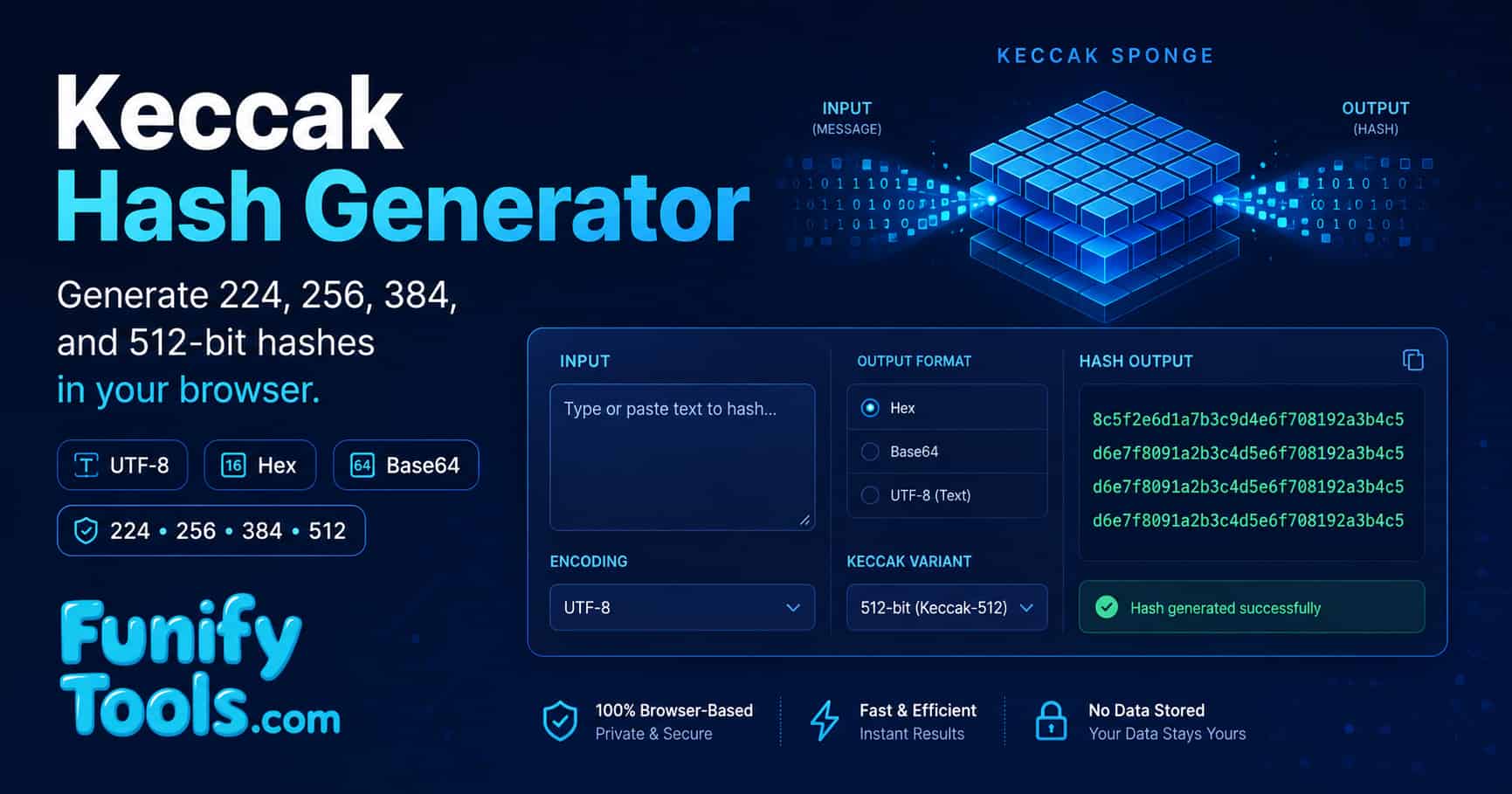
Understanding Keccak hashing
Keccak (pronounced "ketch-ak") is a family of cryptographic sponge functions designed by Guido Bertoni, Joan Daemen, Michaël Peeters, and Gilles Van Assche. It was selected as the winner of the NIST SHA-3 Cryptographic Hash Algorithm Competition in 2012 and subsequently standardized as FIPS PUB 202 in 2015. Unlike its predecessors SHA-1 and SHA-2, which are built on the Merkle-Damgård construction, Keccak introduces an entirely new paradigm: the sponge construction. This design provides inherent resistance to length-extension attacks, supports arbitrary output lengths, and can be adapted for authenticated encryption, tree hashing, and other advanced cryptographic primitives. Keccak is the underlying algorithm behind SHA-3, SHAKE-128, and SHAKE-256 as standardized in NIST FIPS PUB 202. Keccak also underlies cSHAKE, KMAC, TupleHash, and ParallelHash as specified in NIST SP 800-185.
Sponge construction
The sponge construction is the core innovation that distinguishes Keccak from earlier NIST-standardized hash function families. Unlike the Merkle-Damgård construction used by SHA-1 and SHA-2, which processes input through a compression function in a sequential chain, the sponge model operates in two distinct phases: absorbing and squeezing. The internal state consists of a b-bit permutation organized as a 5x5xw three-dimensional array, where the bitrate r and capacity c sum to b (b = r + c). For SHA-3 variants, b = 1600 bits, with r varying by output length.
| Digest size | Output length (bits) | Bitrate r (bits) | Capacity c (bits) | Security level (bits) |
|---|---|---|---|---|
| Keccak-224 | 224 | 1152 | 448 | 112 |
| Keccak-256 | 256 | 1088 | 512 | 128 |
| Keccak-384 | 384 | 832 | 768 | 192 |
| Keccak-512 | 512 | 576 | 1024 | 256 |
During the absorbing phase, input blocks of size r are XORed with the state and then processed through the Keccak-f permutation. After all input has been absorbed, the squeezing phase extracts output blocks of size r until the desired digest length is reached. This elegant design enables the same core permutation to serve both fixed-length hashing (SHA-3) and extendable-output functions (SHAKE).
Output length options
This tool supports four common Keccak output lengths aligned with SHA-3 digest sizes. Each option provides a different trade-off between digest size and security margin. The following table summarizes the characteristics of each option.
| Output length | HEX characters | Base64 characters | Security level | Recommended use case |
|---|---|---|---|---|
| 224 bits | 56 | 38 (with padding) | 112 bits | Lightweight checksums, constrained environments |
| 256 bits | 64 | 44 (with padding) | 128 bits | General-purpose hashing, blockchain applications |
| 384 bits | 96 | 64 (with padding) | 192 bits | Higher security margin, compliance requirements |
| 512 bits | 128 | 88 (with padding) | 256 bits | Maximum security, post-quantum research contexts |
The collision-resistance security level is approximately half the output length, reflecting the generic birthday-bound security of hash functions. For most practical examples, Keccak-256-sized output provides a strong balance between output size and security margin.
One-way behavior
Keccak is designed as a one-way function, meaning that given a hash output, it should be computationally infeasible to recover the original input (preimage resistance) or to find two distinct inputs that produce the same output (collision resistance). The sponge construction achieves this through the Keccak-f permutation, which applies 24 rounds of a five-step round function (theta, rho, pi, chi, iota) to the internal state. Each round introduces non-linearity, diffusion, and bit dispersion that make the permutation effectively indistinguishable from a random oracle when the capacity is sufficiently large.
The avalanche effect is particularly strong in Keccak: changing a single bit in the input produces a completely different output, with approximately 50% of output bits flipping on average. This property makes Keccak especially suitable for integrity verification, where even the smallest data corruption must be detectable.
Performance characteristics
Keccak's performance profile differs significantly from SHA-2. In software, SHA-2 often outperforms SHA-3 on general-purpose CPUs due to hardware acceleration (Intel SHA-NI instructions). However, Keccak excels in hardware implementations, where its bit-slicing-friendly design enables extremely efficient ASIC and FPGA realizations. According to the Keccak team's official documentation, the algorithm achieves high throughput in hardware because the round function operates primarily on bitwise Boolean operations (XOR, AND, NOT) and rotations, which map directly to digital logic gates. In browser-based JavaScript implementations like the one used by this tool, performance is adequate for typical text inputs but may be slower than native SHA-256 for large data volumes.
Security considerations
Keccak and its standardized SHA-3 variants are considered cryptographically sound and have undergone extensive public cryptanalysis since Keccak's submission to the NIST competition in 2008. The following table summarizes the key security properties and their implications.
| Security property | Description | Keccak strength |
|---|---|---|
| Collision resistance | No two distinct inputs produce the same output | 2n/2 (standard birthday bound) |
| Preimage resistance | Given hash H, cannot find input M such that hash(M) = H | 2n (full output length) |
| Second preimage resistance | Given input M1, cannot find M2 != M1 with same hash | 2n (full output length) |
| Length-extension resistance | Cannot compute hash(M || X) from hash(M) without knowing M | Inherently resistant (sponge construction) |
| Side-channel resistance | Resistance to timing and power analysis attacks | Depends on implementation; bit-slicing helps |
| Quantum resistance | Security against quantum (Grover's) attacks | 2n/2 (Grover's algorithm halves effective security) |
It is important to note that while Keccak itself is secure, this browser-based tool is intended for educational and testing purposes only. Browser-based cryptography is exposed to JavaScript injection, browser extensions, and memory inspection. For production security, use audited cryptographic libraries in a controlled environment.
Applications of Keccak
Keccak and SHA-3 have found adoption across a wide range of industries and protocols since standardization. Understanding these applications helps contextualize why Keccak remains an important tool in modern cryptography.
- Blockchain and cryptocurrency: Ethereum uses Keccak-256, the original Keccak variant rather than standardized SHA3-256, for address generation, transaction hashing, and smart contract state management. The distinction between Ethereum's Keccak-256 and the standardized SHA3-256 is an important technical detail that developers must understand.
- Digital signatures: SHA-3 is approved for use with ECDSA, RSA, and EdDSA signature schemes. NIST SP 800-186 specifies SHA-3 as an approved hash function for digital signature generation and verification.
- Message authentication codes (MACs): KMAC (Keccak Message Authentication Code), standardized in NIST SP 800-185, provides a dedicated MAC construction built directly on the Keccak sponge.
- File integrity and checksums: SHA-3-256 and SHA-3-512 are increasingly used as checksum algorithms for software distribution, replacing older algorithms like MD5 and SHA-1.
- Post-quantum cryptography: Several NIST post-quantum cryptography finalists and selected algorithms use Keccak as a building block, including Falcon (digital signatures) and the SPHINCS+ family.
- Random number generation: The SHA-3-based DRBG (Deterministic Random Bit Generator) is specified in NIST SP 800-90A for generating cryptographically secure pseudorandom numbers.
History of Keccak
The history of Keccak is a landmark chapter in modern cryptography. In 2007, NIST announced a public competition to develop a new hash function standard, motivated by growing concerns about the security of SHA-1 and the structural similarities between SHA-2 and SHA-1. The competition attracted 64 submissions from cryptographers worldwide. Keccak, designed by Guido Bertoni, Joan Daemen (co-designer of AES), Michaël Peeters, and Gilles Van Assche, was selected as the winner in 2012 after three rounds of rigorous public evaluation.
- 2007: NIST announces the SHA-3 Cryptographic Hash Algorithm Competition, calling for submissions by October 2008.
- 2008: The Keccak team submits their design, introducing the sponge construction as a radical departure from Merkle-Damgård.
- 2010: NIST selects 14 algorithms for the second round, including Keccak, after cryptanalytic evaluation of all 51 first-round candidates.
- 2012: NIST announces Keccak as the winner of the SHA-3 competition, citing its elegant design, strong security margin, and performance flexibility.
- 2015: NIST publishes FIPS PUB 202, formally standardizing SHA-3, SHAKE-128, and SHAKE-256.
- 2016: NIST publishes SP 800-185, adding cSHAKE, KMAC, TupleHash, and ParallelHash based on Keccak.
- 2023: SHA-3 variants are included in major operating systems, cryptographic libraries (OpenSSL, BoringSSL, libsodium), and hardware security modules.
Advanced configuration tips
To make the most of this Keccak hash generator, consider the following strategies based on your specific use case.
- Input encoding discipline: Use UTF-8 for plain text, HEX for hexadecimal bytes, and Base64 only for properly encoded Base64 data. A common mistake is to paste raw text into HEX mode, which will either produce an error or an incorrect digest. Always verify that the input encoding matches the actual format of your data.
- Output length choice: Start with 256 bits for general examples. Use 224 bits for constrained environments where digest size matters, and 384 or 512 bits when you need a higher security margin or are testing against specific protocol requirements.
- HEX case normalization: When comparing HEX-encoded hashes, use the upper-case or lower-case conversion buttons to normalize the output. Hash comparisons are case-insensitive in HEX, but inconsistent casing can cause false mismatches in automated tools.
- Scenario comparison: Use the "Add another scenario" feature to compare how different input encodings or output lengths affect the digest. This is particularly useful for understanding the relationship between input byte representation and the resulting hash.
-
Cross-validation: After generating a hash with this tool, verify the result with another implementation that explicitly supports original Keccak, not standardized SHA3-256. OpenSSL
sha3-256and Python'shashlib.sha3_256()produce SHA-3 digests, so they will not match Keccak-256 for the same input.
Limitations and cautions
- Client-side processing: All hashing operations run entirely in your browser using the js-sha3 library. No data is transmitted to any server. However, browser-based cryptography is inherently less secure than native implementations due to potential exposure to JavaScript injection, browser extensions, and memory inspection.
- Encoding sensitivity: Selecting the wrong input encoding is the most common source of errors. The same visible text (e.g., "hello") will produce different hashes under UTF-8 and HEX input modes because the underlying byte representation differs.
- Browser dependency: The tool requires JavaScript and a modern browser. It will not function in text-only browsers or environments where JavaScript is disabled. The js-sha3 library used by this tool may have different performance characteristics than native implementations.
- Educational scope: This page is intended for learning, experimentation, and quick format checks. For production environments, use audited cryptographic libraries that explicitly support the Keccak or SHA-3 variant your protocol requires, along with proper key management and security controls.
- Keccak vs. SHA-3 distinction: This tool implements the original Keccak algorithm, not the finalized SHA-3 standard. While the core permutation is identical, SHA-3 includes a domain separation suffix in the padding that produces different digests than the original Keccak for the same input. Ethereum's Keccak-256, for example, uses the original Keccak variant, not SHA3-256.
Final tips
- Start with UTF-8 input and 256-bit HEX output for the simplest first test. This combination is the most intuitive and widely used.
- Use HEX and Base64 input modes only when your source value is already encoded in that format. For example, to hash a raw hexadecimal string, select HEX input; for Base64-encoded data, select Base64 input.
- Double-check the output length and algorithm variant before comparing against external examples. A 256-bit HEX digest is 64 HEX characters, while a 512-bit HEX digest is 128 HEX characters. Confusing Keccak-256 with SHA3-256 is a common source of verification failures.
- Use this page for education, experimentation, and quick browser verification. For serious cryptographic work, rely on audited libraries and secure operational workflows.
- Understand the Keccak vs. SHA-3 distinction when working with blockchain protocols. Ethereum and other platforms use the original Keccak-256, which produces different digests than the standardized SHA3-256.
Results are for educational and testing purposes only. Actual outputs depend on the exact bytes represented by the selected input encoding and output settings.