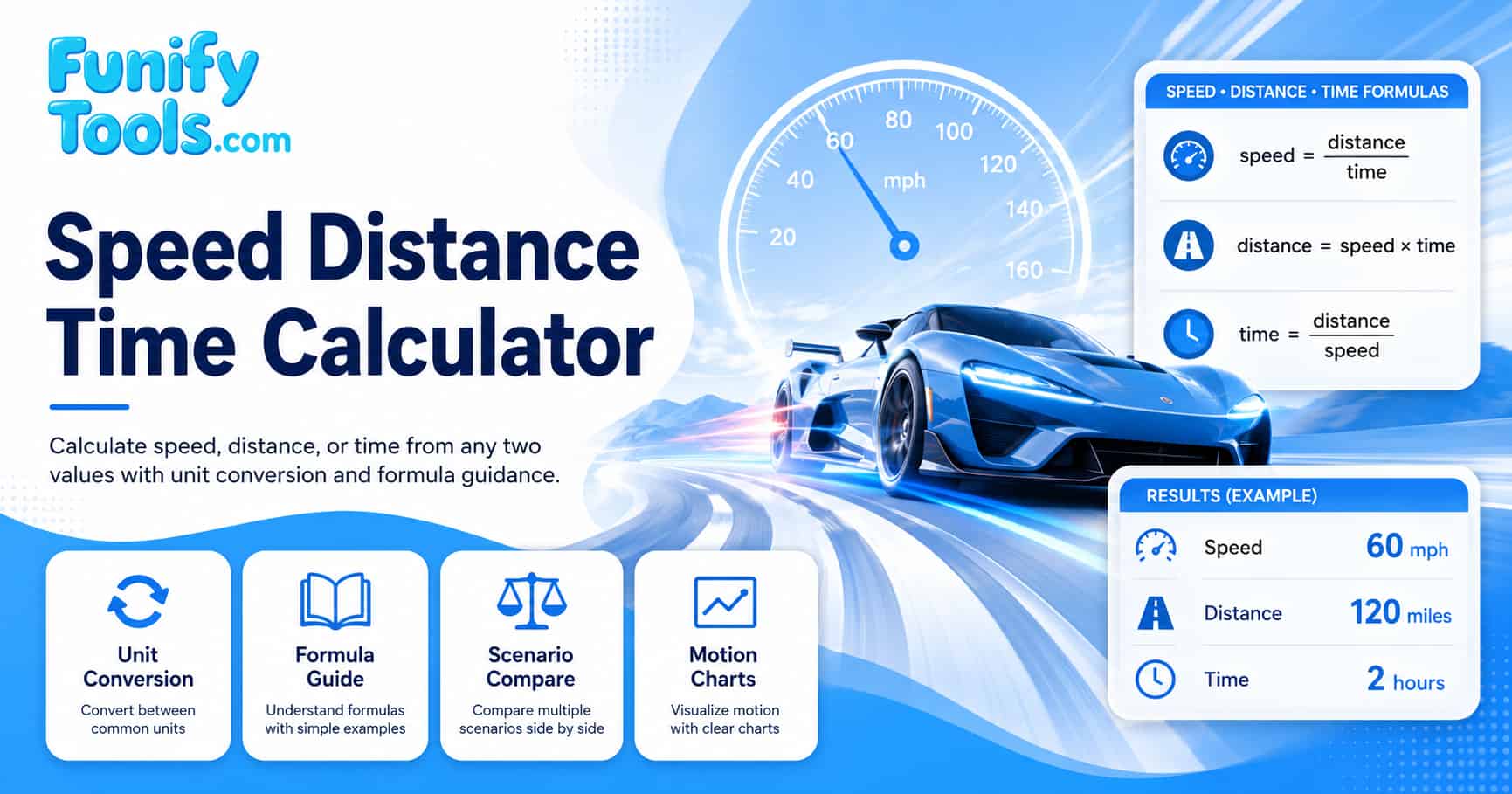
Speed distance time basics
Speed, distance, and time are three ways to describe motion over a known path or interval. If you know how far something travels and how long it takes, you can compute the speed. If you know the speed and time, you can find the distance, and so on. This fundamental relationship is one of the most widely used concepts in mathematics and physics, appearing in everything from elementary school word problems to advanced engineering calculations.
The relationship between speed, distance, and time is linear under constant-speed conditions, which makes it easy to visualize and compute. Understanding this relationship builds a strong foundation for more advanced topics such as acceleration, velocity vectors, and calculus-based motion analysis. Students who master the speed-distance-time triangle find it much easier to transition into physics and STEM subjects later in their education.
In simple school and everyday problems we usually assume constant speed. That means the object covers equal distances in equal time intervals without speeding up or slowing down. While real-world motion is rarely perfectly constant, the constant-speed approximation is remarkably useful for trip planning, travel time estimation, and many basic physics problems.
Core formulas
The starting point for all constant-speed questions is:
speed = distance / time
distance = speed × time
time = distance / speed
From this definition, we can rearrange the formula to solve for each variable. The formula triangle is a popular mnemonic device: distance sits at the top, with speed and time below it. Cover the value you want to find, and the remaining values show whether to multiply or divide. This gives distance = speed × time, speed = distance / time, and time = distance / speed.
As long as units are consistent, these three formulas handle most basic travel and motion questions. The key is ensuring that the units of distance and time match the desired unit of speed. For example, if you want speed in kilometers per hour, distance must be in kilometers and time must be in hours.
If you are reviewing the triangle method often used in class, search Google for speed distance time triangle formula and compare it with the three formulas shown here.
Units and conversions
The same physical motion can be described with many different units. A city trip can be described in miles per hour or kilometers per hour, and a sprint can be described in meters per second. Choosing the right unit depends on the context: drivers use mph or km/h, athletes use m/s or min/km, and scientists use m/s as the standard SI unit.
- Speed units: miles per hour (mph), kilometers per hour (km/h), meters per second (m/s), knots (nautical miles per hour).
- Distance units: miles, kilometers, meters, nautical miles, feet, yards.
- Time units: hours, minutes, seconds, days (for long-distance travel).
Useful facts: 1 mile is 1.60934 kilometers and about 1609.34 meters; 1 hour is 60 minutes or 3600 seconds; 1 kilometer per hour is about 0.27778 meters per second; 1 knot equals approximately 1.15078 mph or 1.852 km/h.
The calculator converts all values internally so you can choose the units that feel most natural for your problem. This automatic conversion eliminates the most common source of errors in speed-distance-time calculations: mismatched units.
| Category | Common units | Base unit used internally | Useful conversion |
|---|---|---|---|
| Speed | mph, km/h, m/s | m/s | 1 km/h = 0.27778 m/s |
| Distance | miles, kilometers, meters | meters | 1 mile = 1609.34 m |
| Time | hours, minutes, seconds | seconds | 1 hour = 3600 s |
For unit practice, search Google for convert mph to kmh meters per second and use this calculator to check how the converted speed affects distance or time.
Common speed comparisons
Understanding typical speeds in different contexts helps you develop intuition for whether a calculated result is reasonable. The following table shows representative speeds for various modes of travel and motion, which you can use as a sanity check when using the calculator.
| Activity or vehicle | Typical speed (km/h) | Typical speed (mph) | Context |
|---|---|---|---|
| Walking pace | 5 km/h | 3.1 mph | Leisurely stroll |
| Running (jogging) | 10 km/h | 6.2 mph | Moderate jogging pace |
| Cycling (commuter) | 20 km/h | 12.4 mph | Casual city cycling |
| Car (city driving) | 50 km/h | 31 mph | Urban speed limit |
| Car (highway) | 100 km/h | 62 mph | Typical highway cruising |
| High-speed train | 300 km/h | 186 mph | Modern rail systems |
| Commercial airplane | 900 km/h | 560 mph | Cruising speed |
Use these reference values to verify that your calculator results make sense. If you calculate a walking speed of 50 km/h or a highway speed of 5 km/h, a unit conversion error or incorrect input is likely. Developing this kind of number sense is an important skill for students and professionals alike.
What this calculator shows
- The target variable, which can be speed, distance, or time, selected before entering values.
- The two input values with their units, clearly labeled to avoid confusion.
- The result expressed in the selected unit with appropriate precision.
- A short note reminding you which formula and unit conversion were used to produce the result.
- The ability to add each calculation to a scenario comparison table for side-by-side review.
You can add each run as a scenario to the comparison table and keep a small history on your device for later review. This is especially useful for homework assignments that require solving multiple related problems and comparing the results.
Worked examples
The following examples cover the three main calculation modes of the calculator. Each example shows the inputs, the formula used, and the expected result so you can verify your understanding.
| Scenario | Given values | Formula used | Result |
|---|---|---|---|
| Find speed | 150 km in 2 hours | speed = 150 / 2 | 75 km/h |
| Find distance | 90 km/h for 3 hours | distance = 90 x 3 | 270 km |
| Find time | 5 m/s for 1000 m | time = 1000 / 5 | 200 seconds |
| Mix miles and hours | 180 miles in 3 hours | speed = 180 / 3 | 60 mph |
| Find distance (mph) | 55 mph for 2.5 hours | distance = 55 x 2.5 | 137.5 miles |
Try entering each example into the calculator and confirm that the results match. If you get a different value, double-check that the target variable and units are set correctly. Practicing with these examples builds confidence for solving real-world problems.
Typical uses beyond homework
- Estimating arrival times for car trips or public transport by dividing the remaining distance by your average speed.
- Planning running or cycling pace for training sessions to achieve specific distance goals within a target time.
- Checking average speed from a travel log or GPS device to verify whether you stayed within speed limits during a trip.
- Turning time records from a track into average speeds for comparison between different athletes or training sessions.
- Calculating fuel efficiency by combining distance traveled with fuel consumption data.
- Determining whether a delivery or commute is feasible within a given time window.
These practical applications demonstrate why the speed-distance-time relationship is one of the most frequently used mathematical concepts in daily life, even for people who do not consider themselves math-oriented.
Limits and real-world factors
In real life, speed is rarely constant. Traffic lights, hills, weather conditions, and changes in pace all cause variation over time. The calculator provides an average speed based on total distance and total time, which is a useful approximation but does not capture every detail of the journey.
- The calculator works with average speed, not every small change along the way. A trip with many stops will have a lower average speed than the cruising speed.
- Short trips with stops may have a lower average speed than the speed shown on the dashboard during movement.
- Rounding input values or results introduces small differences compared with high-precision measurements from GPS devices.
- Wind resistance, road gradient, and vehicle condition affect real-world speed but are not modeled in the basic constant-speed formula.
For simple planning and homework, the constant-speed assumption is usually enough. For detailed motion analysis involving acceleration, deceleration, or variable speeds, more advanced tools such as calculus-based kinematics or GPS tracking software are needed.
If your problem involves changing speed or acceleration, search Google for average speed vs instantaneous speed examples before treating the result as a constant-speed answer.